Platform · Pins

Pin a spot and say what to change.

A pin is a conversation on one spot of the draft. Clutch makes the change; nothing goes live until you press Publish.

Clutch edits a draft. You press Publish to put the change live.

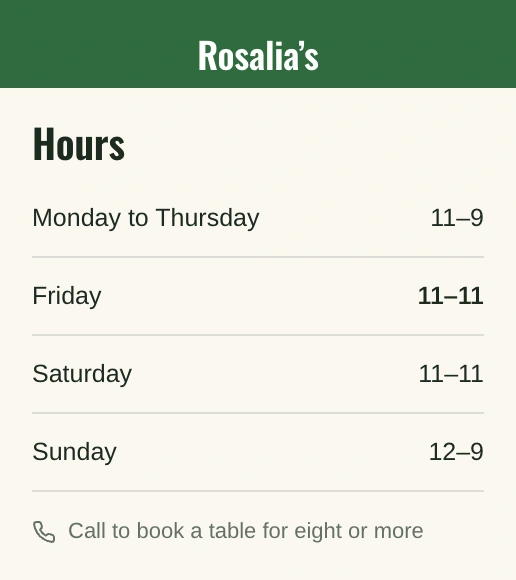
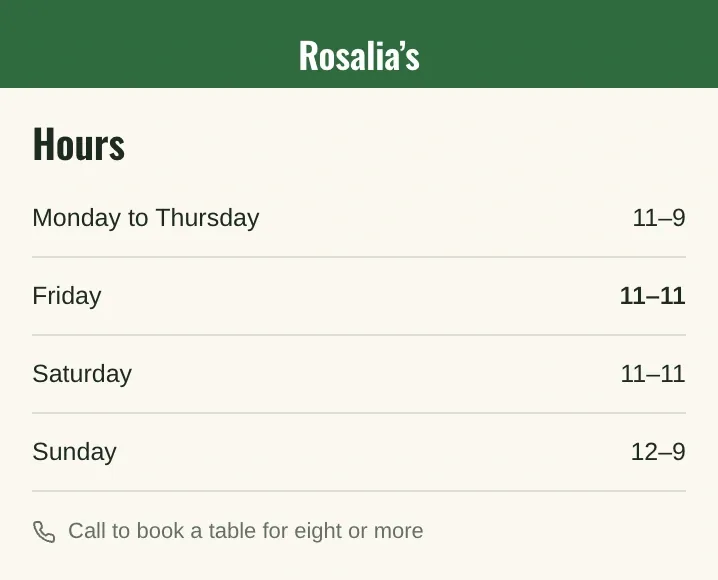
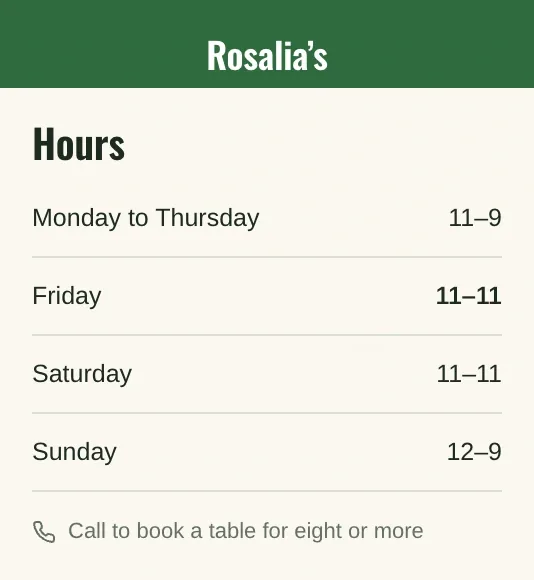
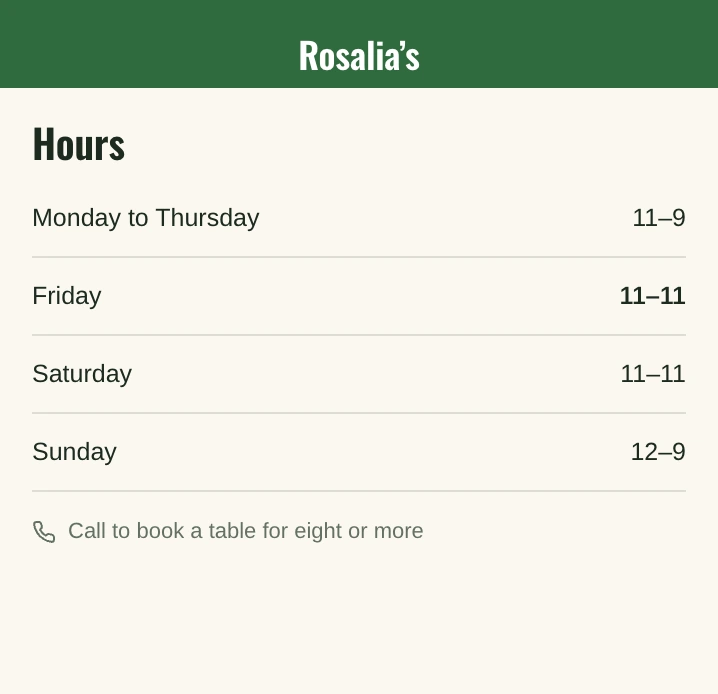
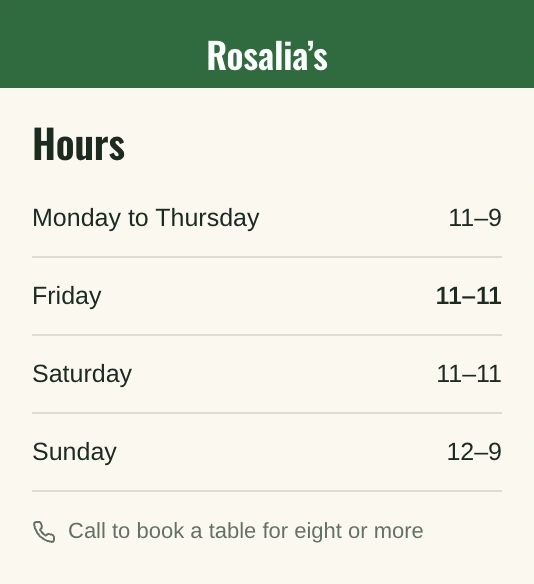
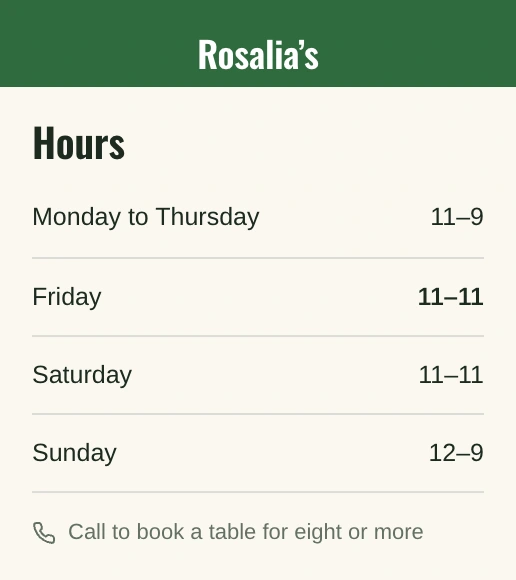
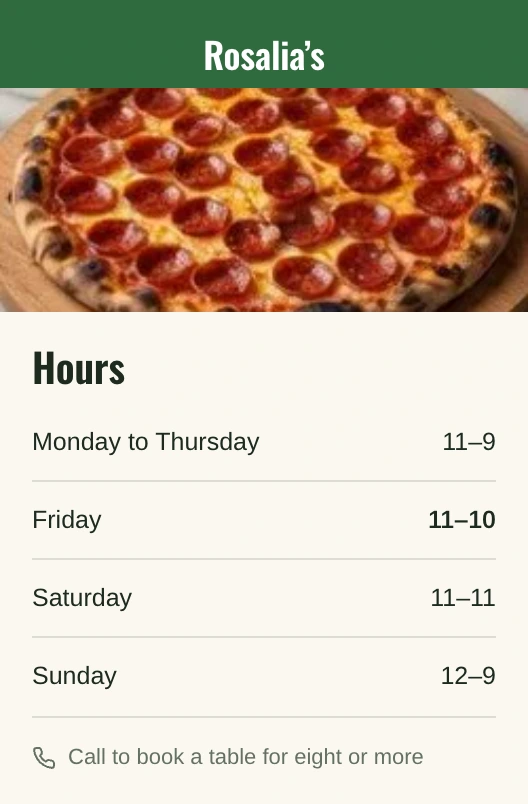
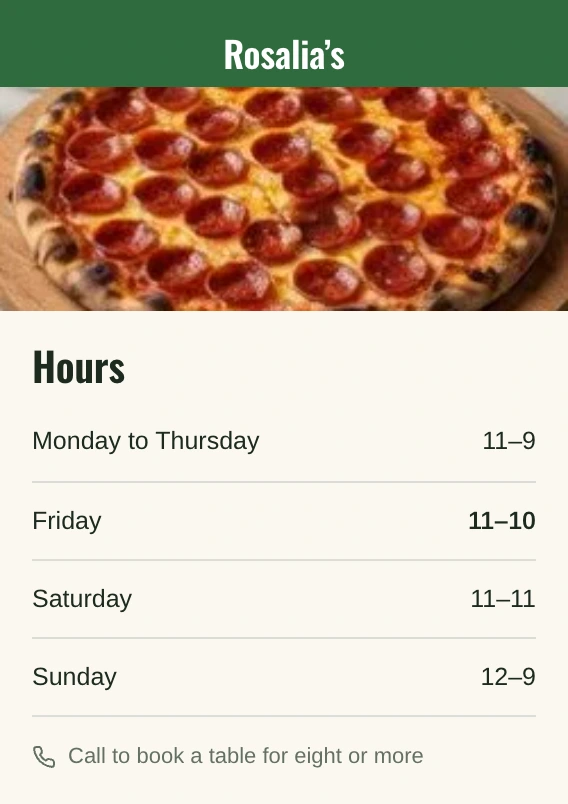
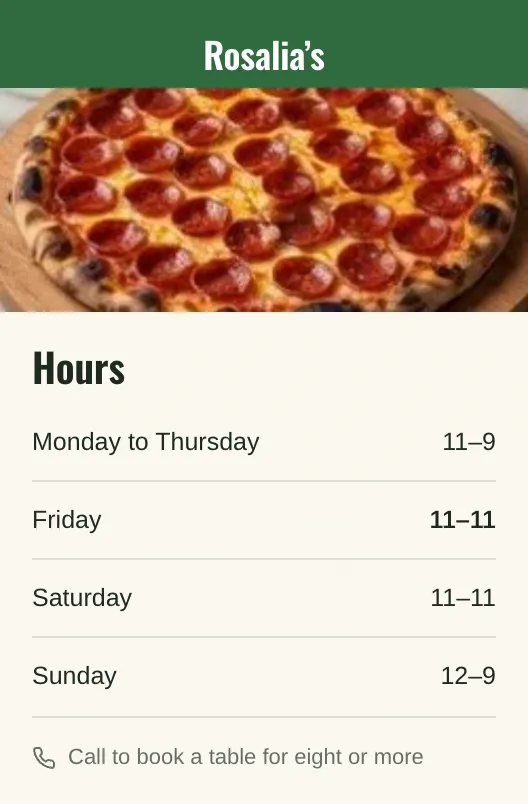
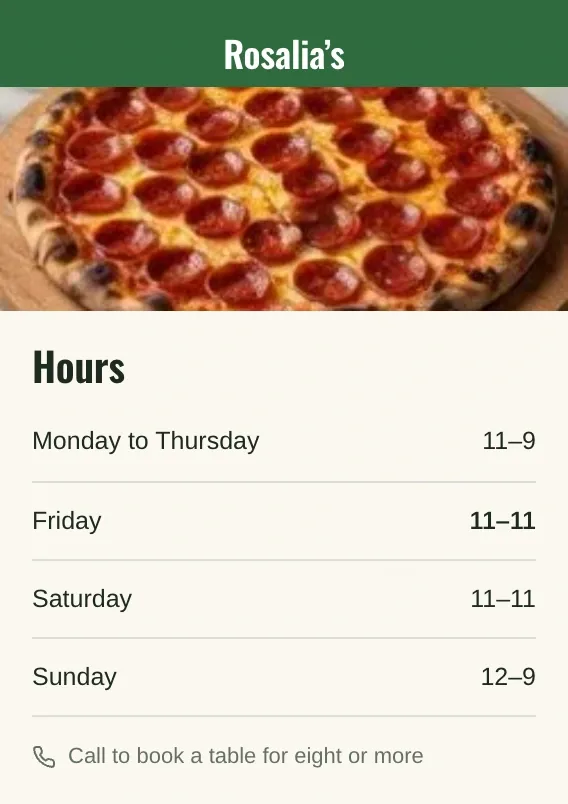
In the Clutch editor on a phone, the owner pins Rosalia’s Friday hours and asks “Open until 11 on Fridays”; the draft line rewrites to 11–11 and Clutch replies, while Publish waits unpressed.

The live site has not changed. Resolve and Publish come next.

Resolve, then Publish

Live does not change until you press Publish.

Resolve closes the pin. Publish puts the draft live, after Clutch grades the pages that changed.

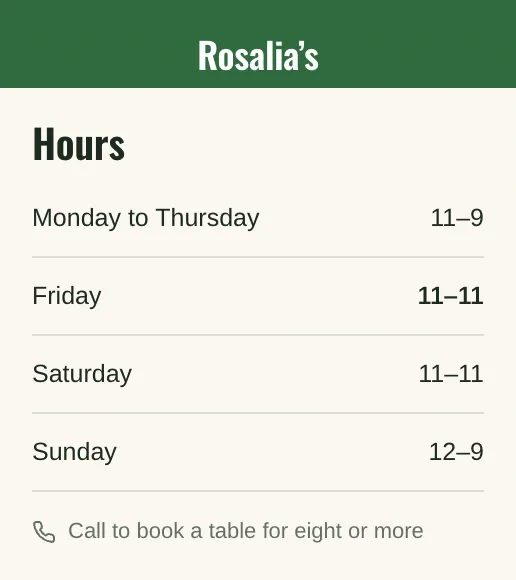
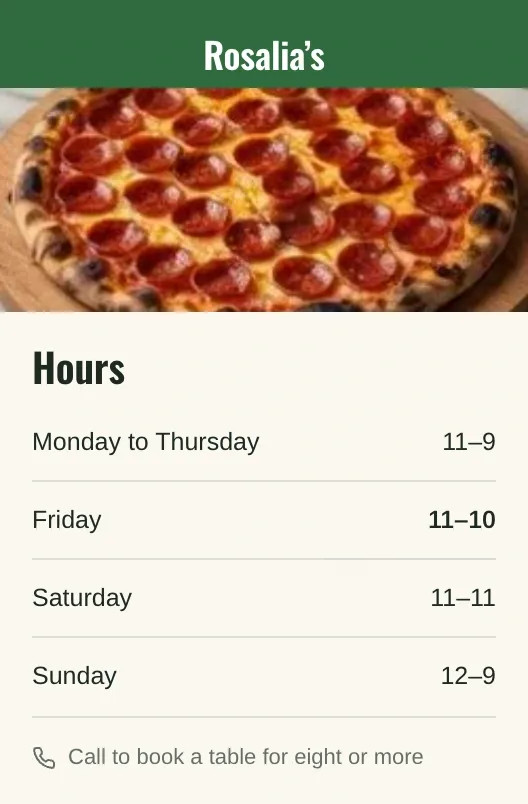
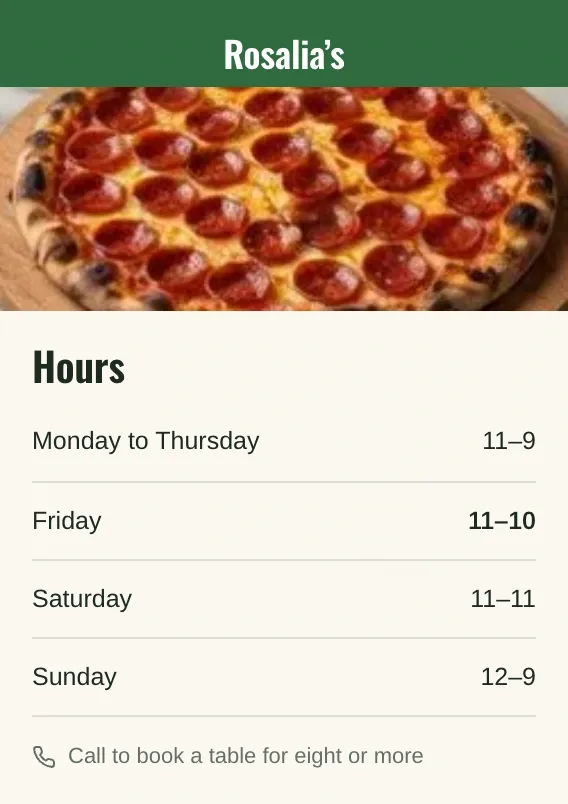
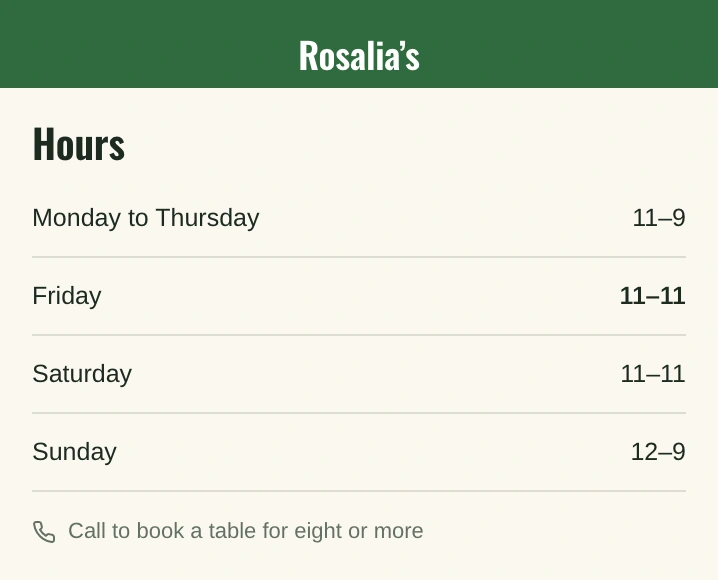
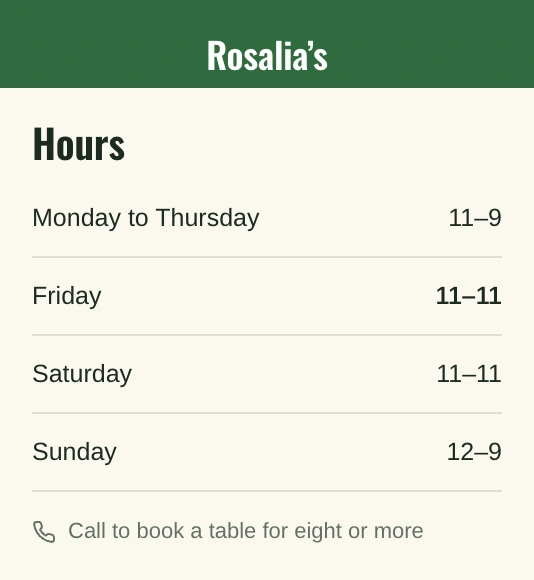
In the Clutch app, the owner presses Resolve on Rosalia’s Friday pin, then Publish; the checks read 100, 100, 100 and 99, the changed page is graded, and the live site’s Friday hours now read 11–11.
Each pin holds one conversation about one spot.

Tell Clutch what to change on your site.