Connect any tool by asking
Tell Clutch what you use. It connects HubSpot, Google Sheets, Toast or almost anything with an API. Your own AI agent can run your site too.
Say what you want connected.
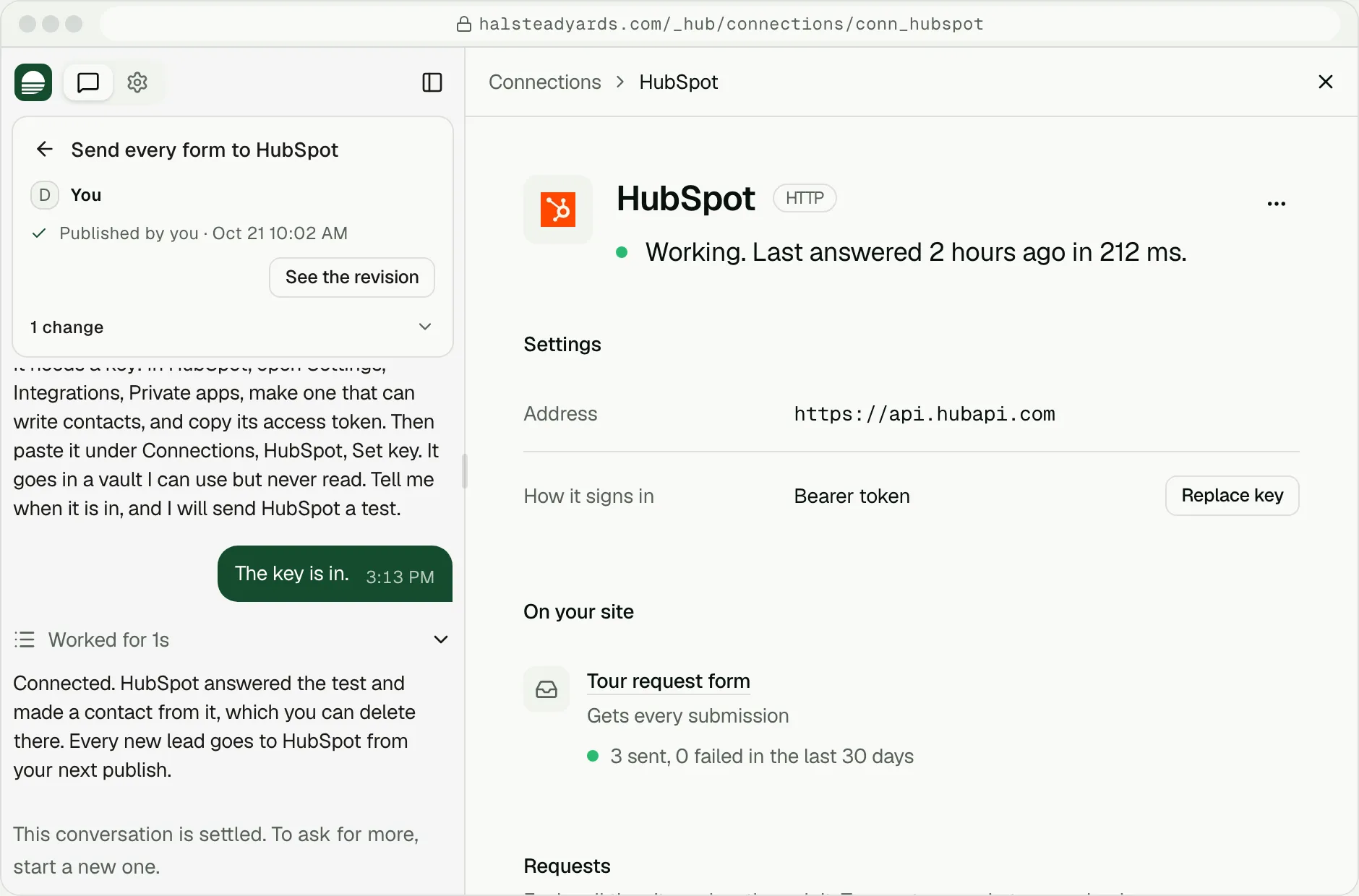
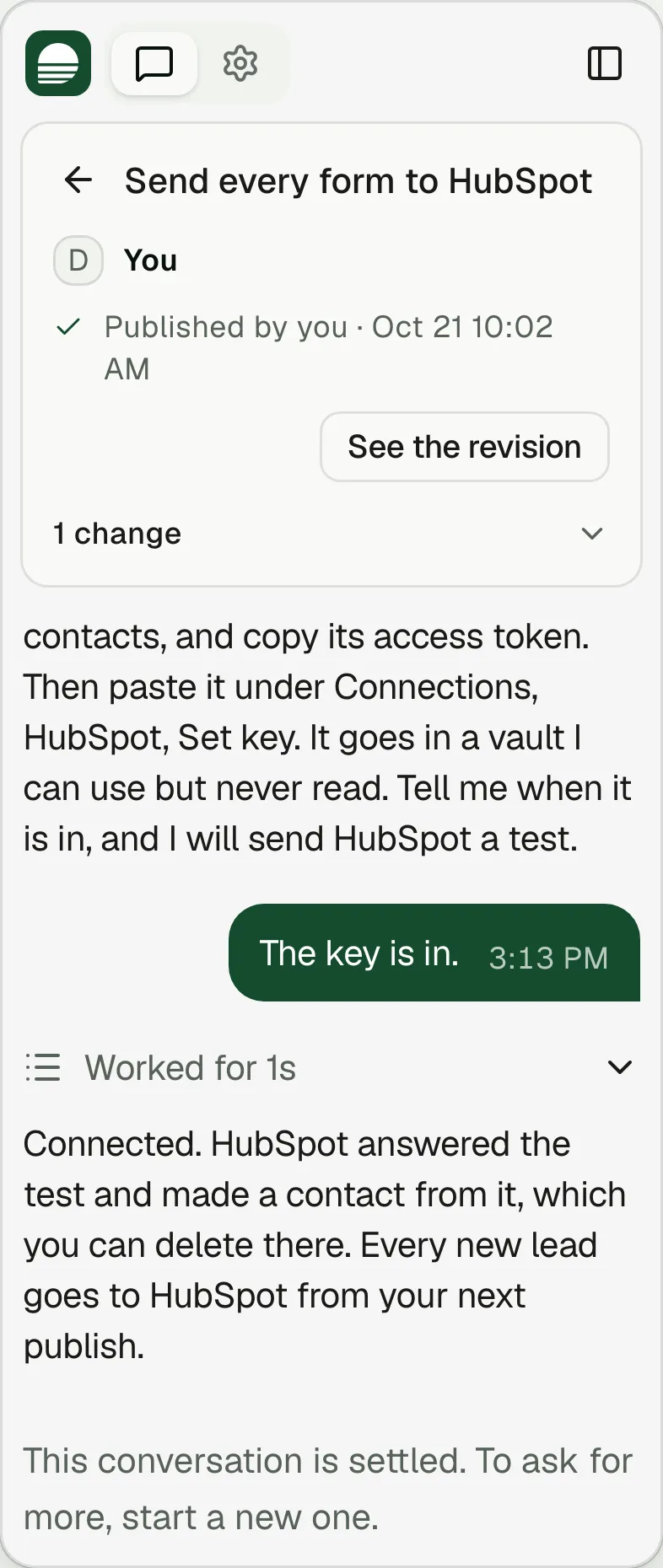
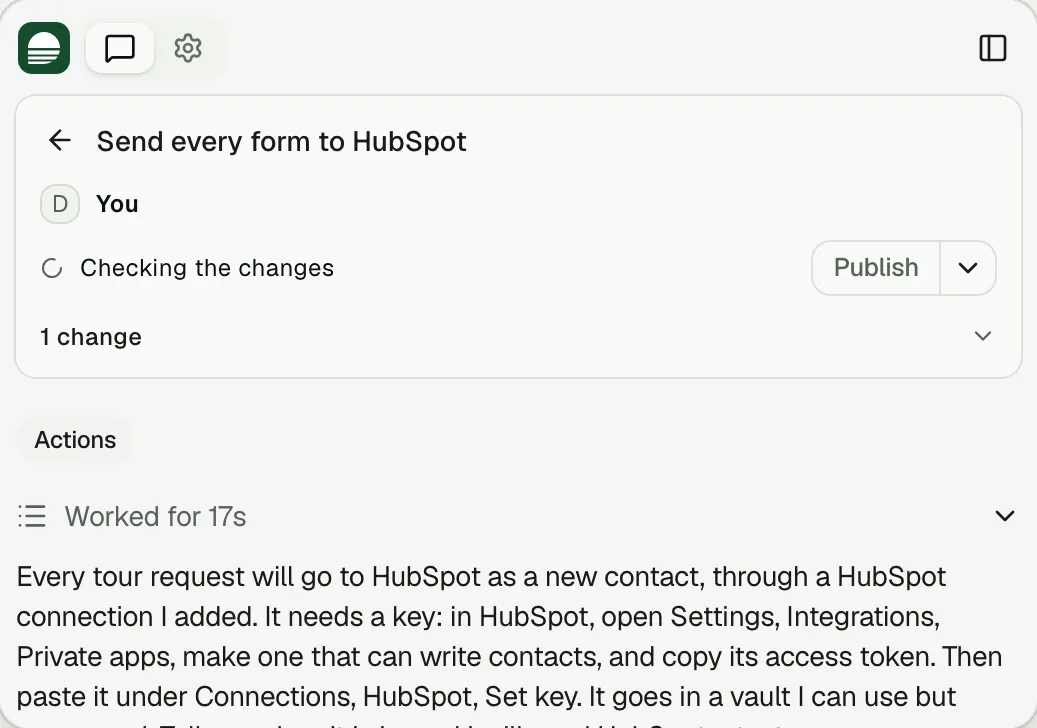
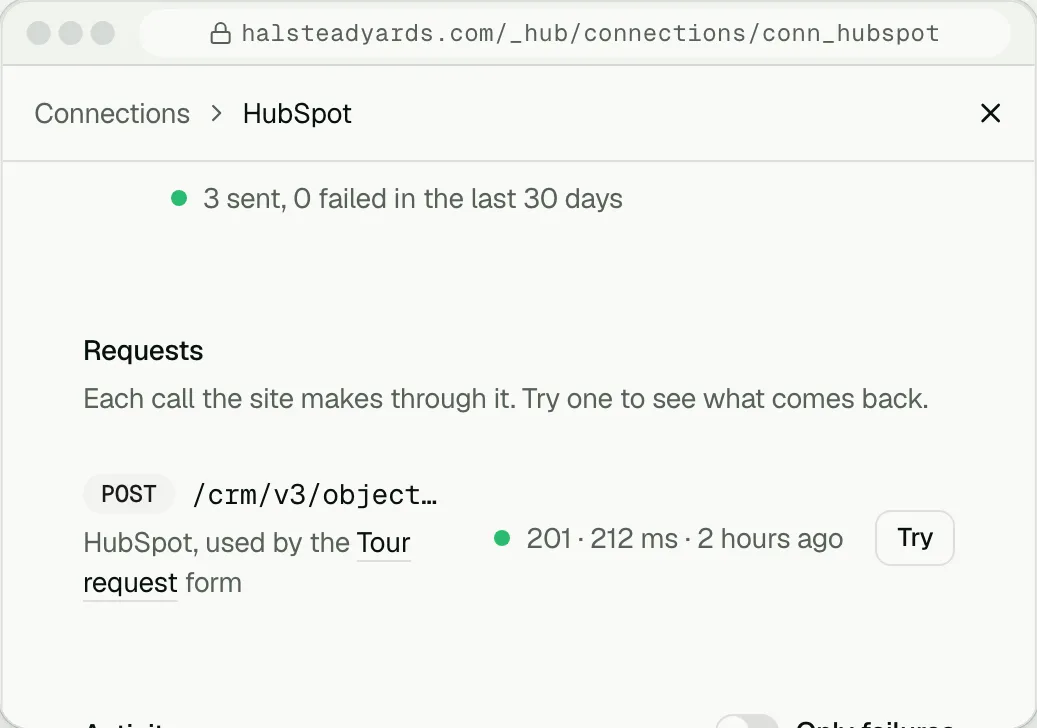
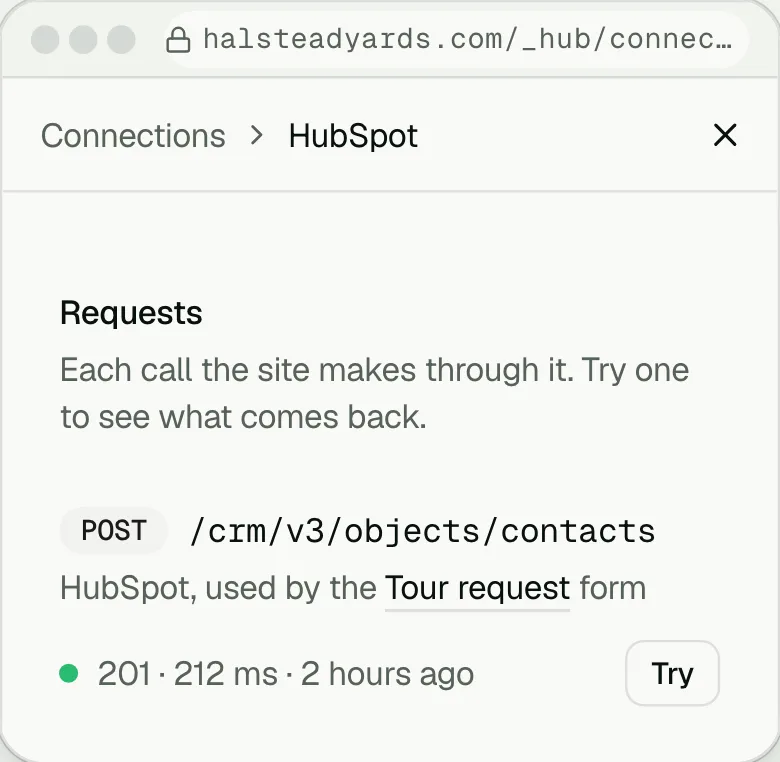
Clutch does the restAskYou ask: “Send every form to HubSpot.”You paste the key into a secure field. It goes in a vault the AI can use but never read.
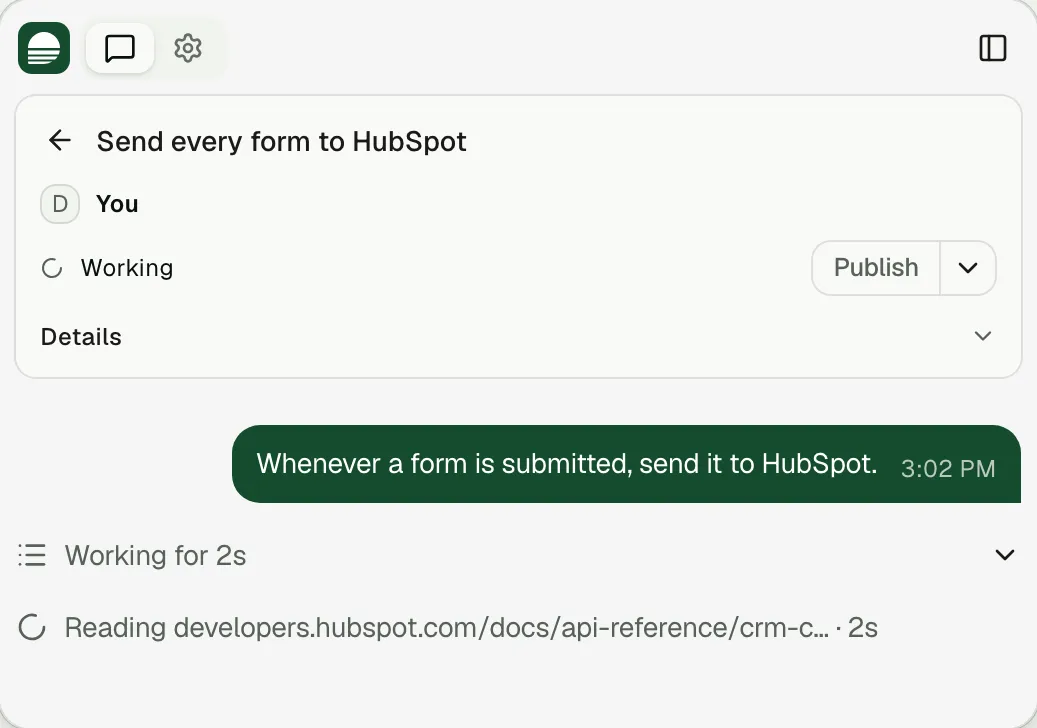
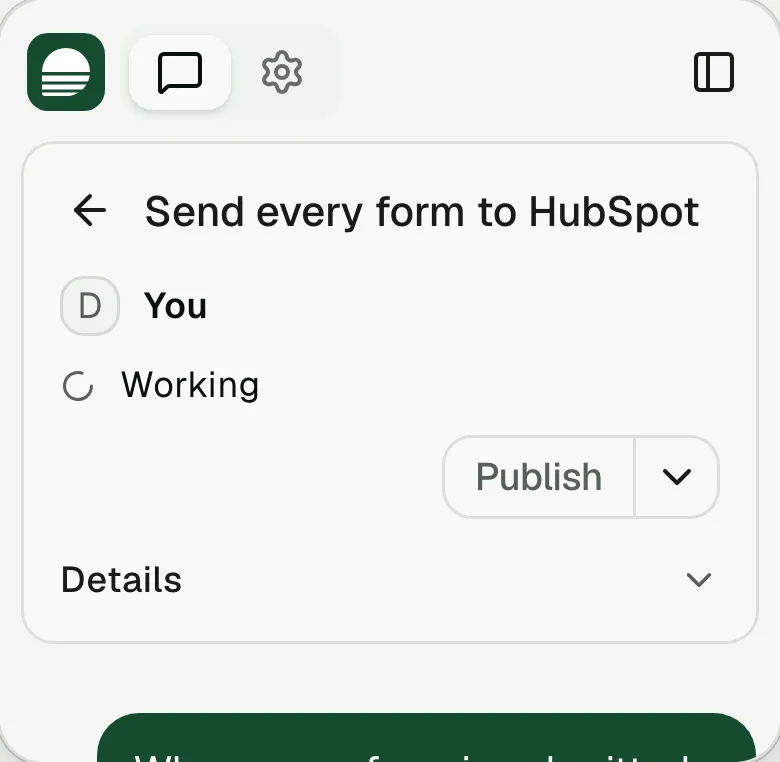
Clutch reads the docsClutch reads HubSpot's documentation and walks you through making a key.You paste the key into a secure field. It goes in a vault the AI can use but never read.
Paste the keyYou paste the key into a secure field. It goes in a vault the AI can use but never read.
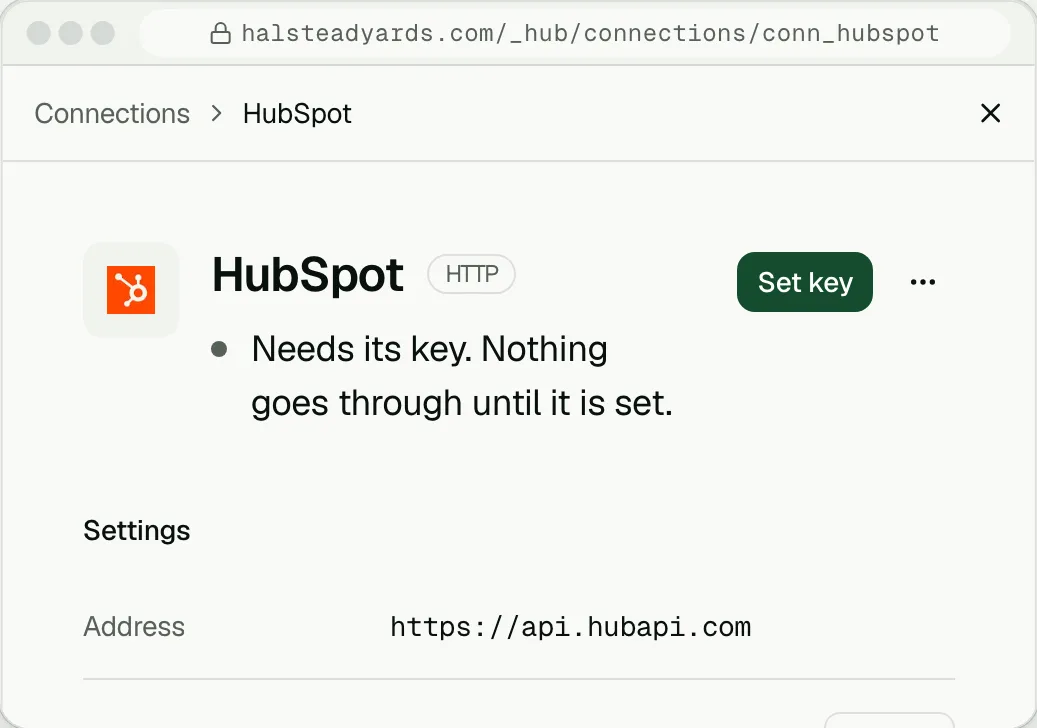
It keeps workingFrom then on, every form goes straight to HubSpot.You paste the key into a secure field. It goes in a vault the AI can use but never read.
Keep your data
where it already livesUse any tool as a backend, or several at once, for different parts of the same site.
Run parts of your site from your tools.
- Keep inventory in a Google Sheet, and the site shows it.
- Use Notion as your CMS. Edit in Notion, and the site updates shortly after.
- Show live availability and pricing from your property management system. Connect it yourself once you have access, or a partner agency that has access does it.
- Keep menus in your POS, in one place.
- Use Clutch's own CMS for the rest, or ask Clutch to move data into it.
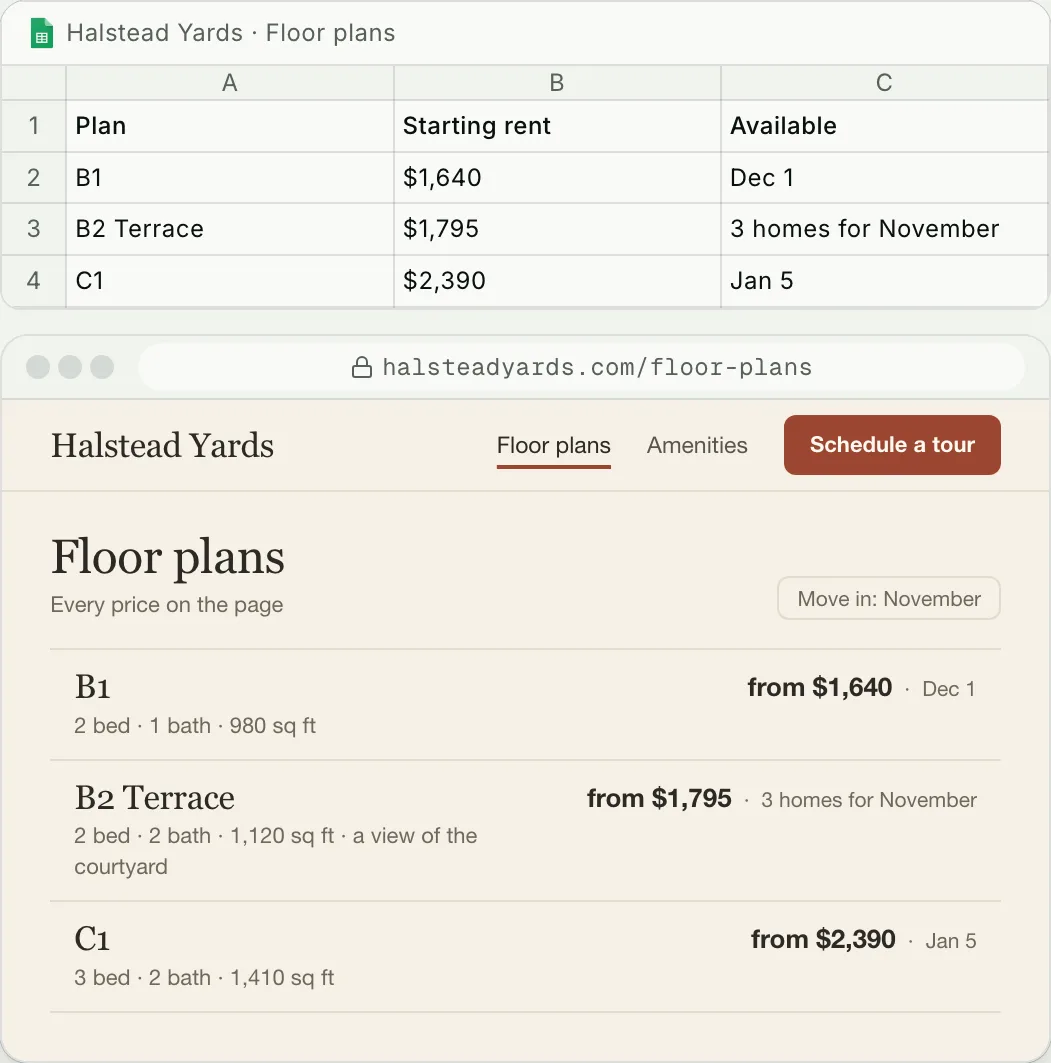
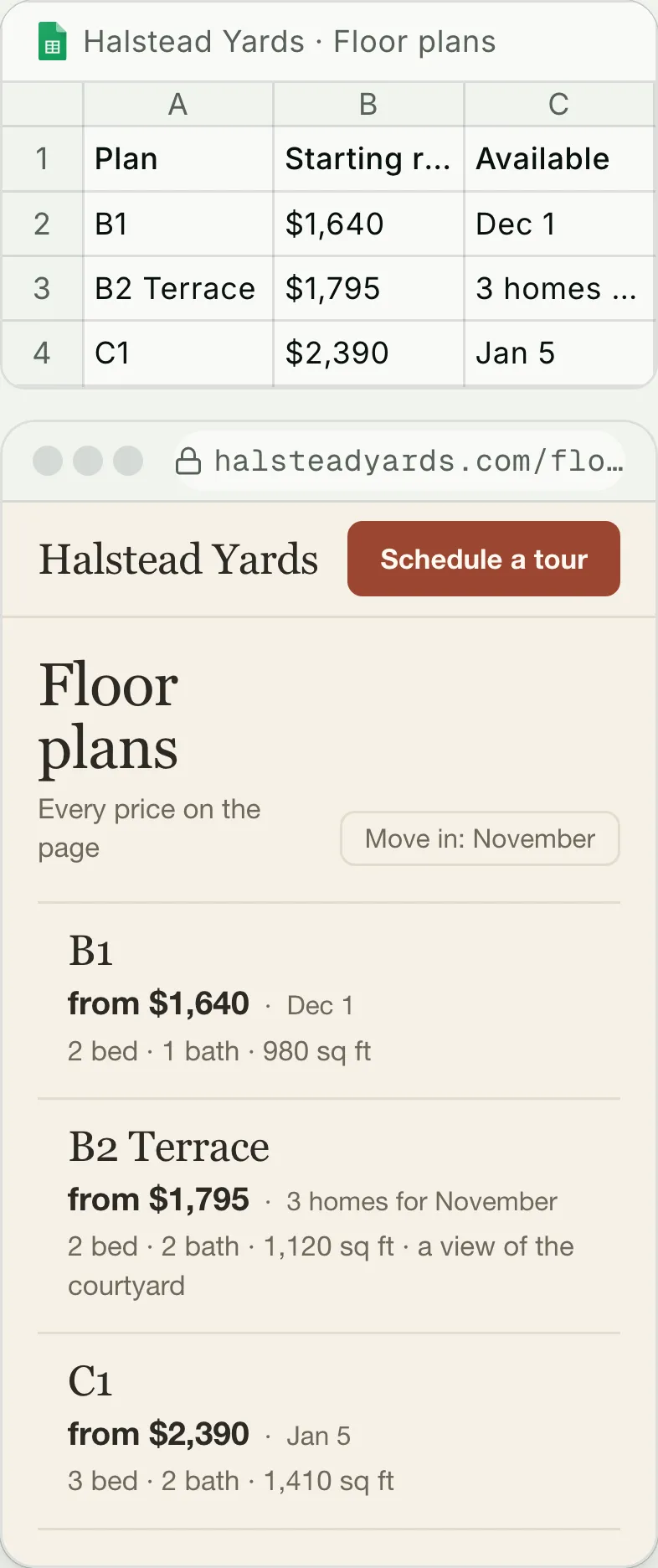
The leasing team's Google Sheet of Halstead Yards' floor plans sits above the live Floor plans page, which reads it through the site's Google Drive connection. In the sheet, B2 Terrace's starting rent goes from $1,845 to $1,795, and shortly after the page shows B2 Terrace from $1,795.
Change your site
from ChatGPT or ClaudeChatGPT, Claude and your own agents sign in once over MCP. Then they can ask a site for a change, grade it or publish it, from their own window.
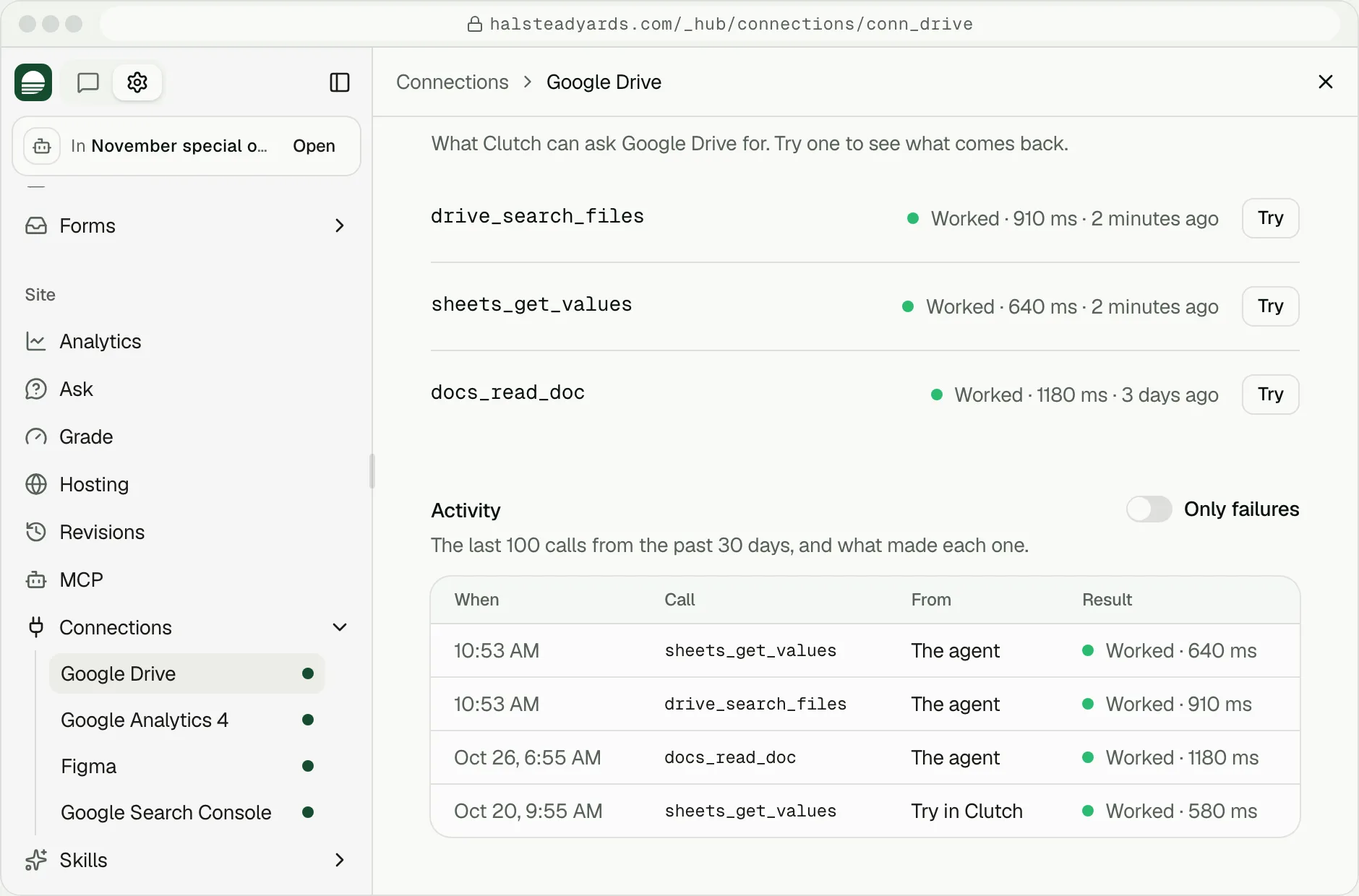
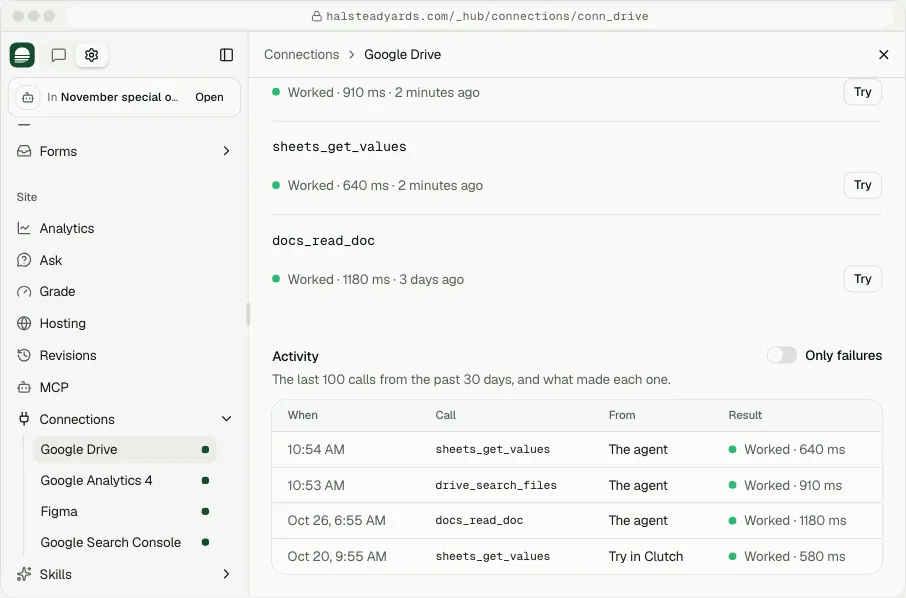
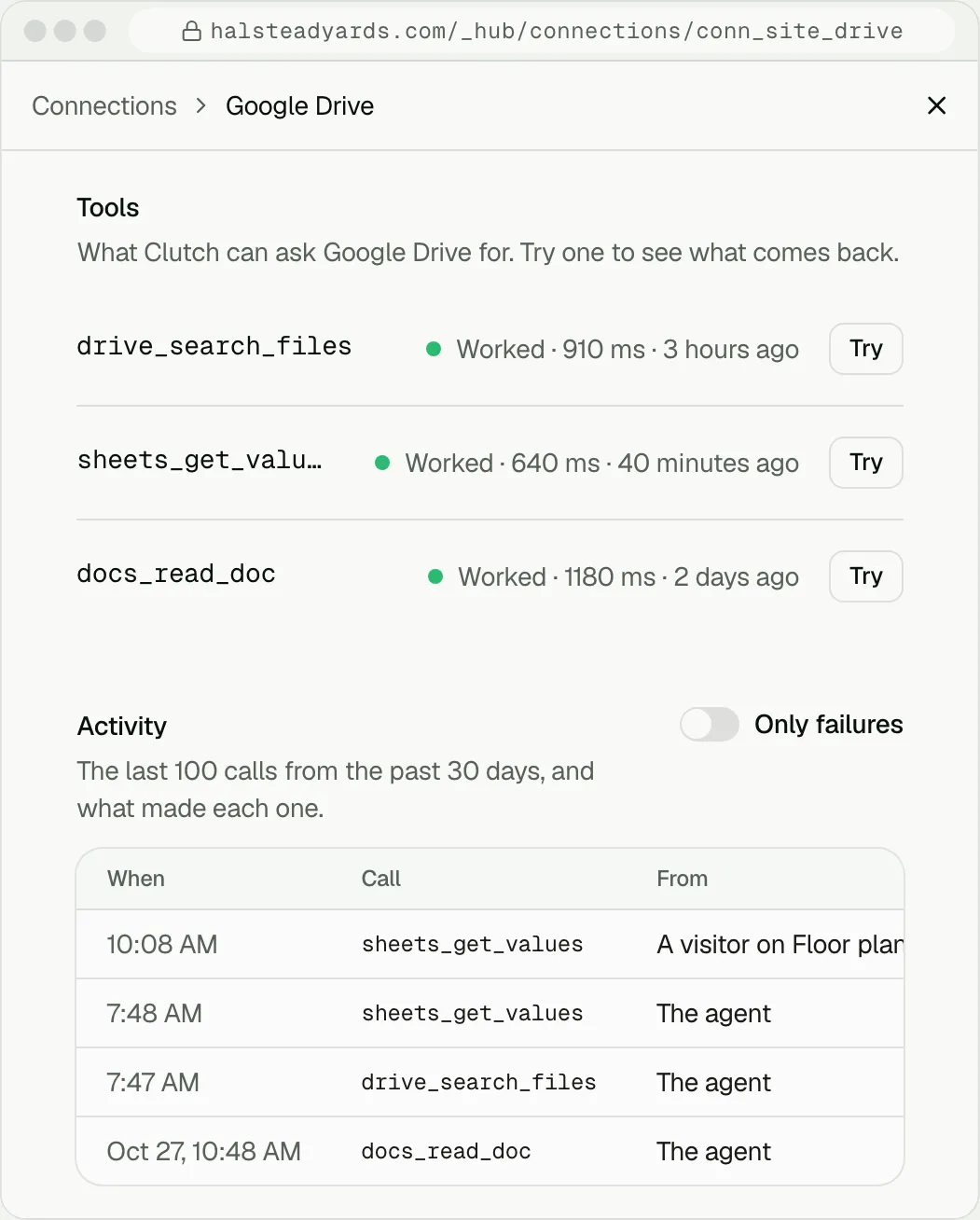
In Claude, someone asks: Put November's special from our leasing sheet on every floor plan at Halstead Yards. Claude reaches Clutch over MCP as that person: it finds Halstead Yards in the workspace, finds the Leasing specials sheet and reads November's special through the workspace's Google Drive connection, writes the special on each floor plan in the draft and checks the draft. Claude says it is not live yet. In Clutch, Halstead Yards' editor shows the draft's Floor plans: each plan now reads one month free on a 13-month lease; the site's own conversation is unchanged, since the assistant wrote the draft itself. Then the hub's page for the Google Drive connection: it is working, and its activity starts with the two calls just made, by the agent.
Once a tool is connected,
Clutch can use it anywhereA connection becomes a tool Clutch can use in any request, skill or routine. It reads and writes, so it can report from your CRM or update your sheet.
With routines that run on a schedule, on Growth, you may not need Zapier or n8n. They still work if you do.
A routine, with a connection
Proposed
- Every Monday, pull last week's leads from HubSpot and tell me which landing pages brought them.
If a tool has a script or an embed,
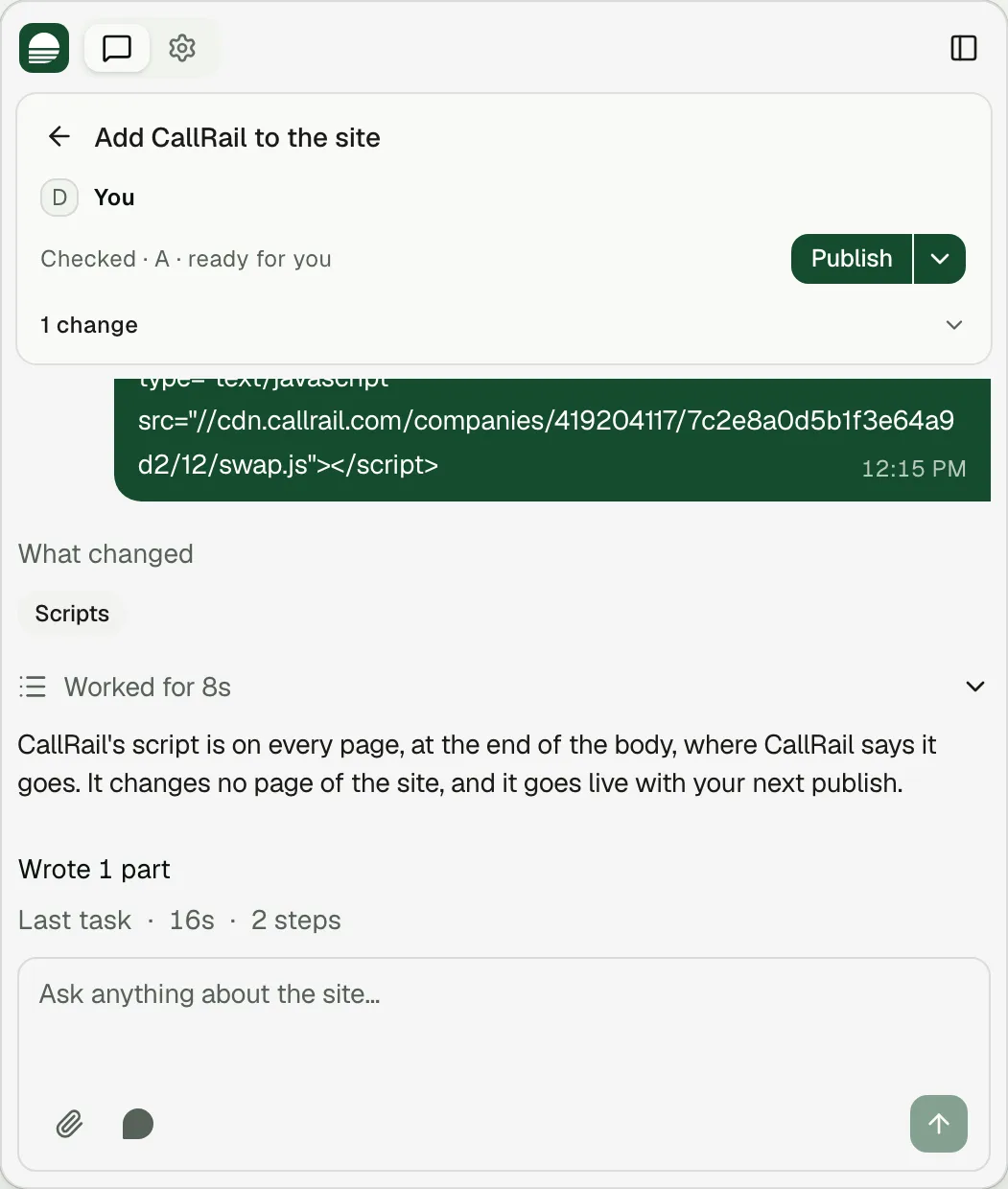
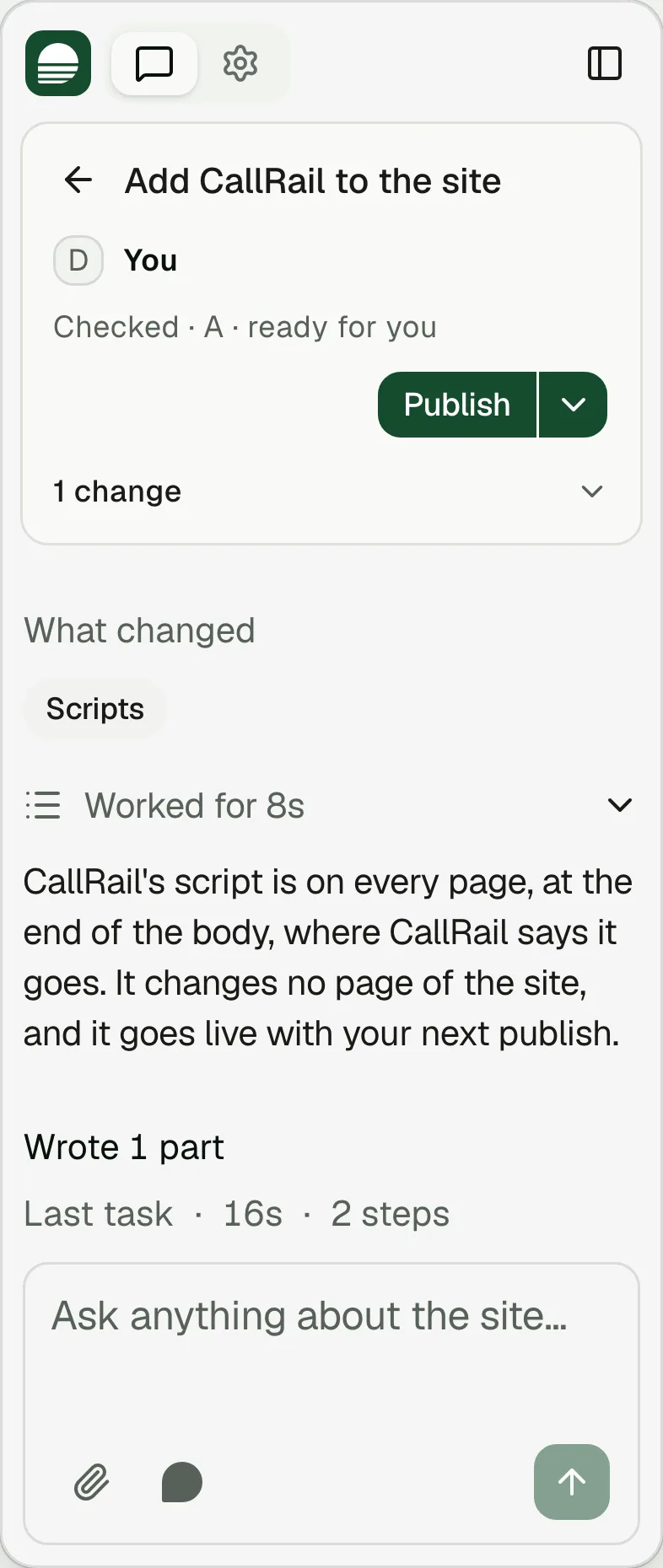
it works on ClutchTour scheduling, call tracking, virtual tours, chat widgets, booking tools and pixels. Ask for one, and Clutch adds it and manages it in one place, apart from the tested core of your site.
Works with the tools
you already usePick your tool to see what you can do with it on Clutch.
Property management
Set up by you or by a partner agency with access
- Yardi
- Entrata
- RealPage
- MRI
- ResMan
- AppFolio
Tours and leasing
- Knock
- Tour24
- EliseAI
Site maps and virtual tours
- Engrain SightMap
- Matterport
Call tracking
- CallRail
Restaurants
- Toast
- Olo
 Square
 OpenTable
- Resy
- Tock
Commerce
 Shopify
CRMs and forms
 HubSpot
- Attio
- Folk
 Google Sheets
 Notion
Email and SMS
- Klaviyo
 Mailchimp
Ads, search and data
 Google Ads
 Google Analytics
 Search Console
- Google Business Profile
- Keyword Planner
- DataForSEO
Design and media
 Figma
- Cloudinary
 Google Drive
- Google Places