Text your site. It changes
Ask for what you want in a text, an email, Slack, Teams, the Clutch app or your own AI agent. Clutch makes the change in a draft and sends it back for your yes.
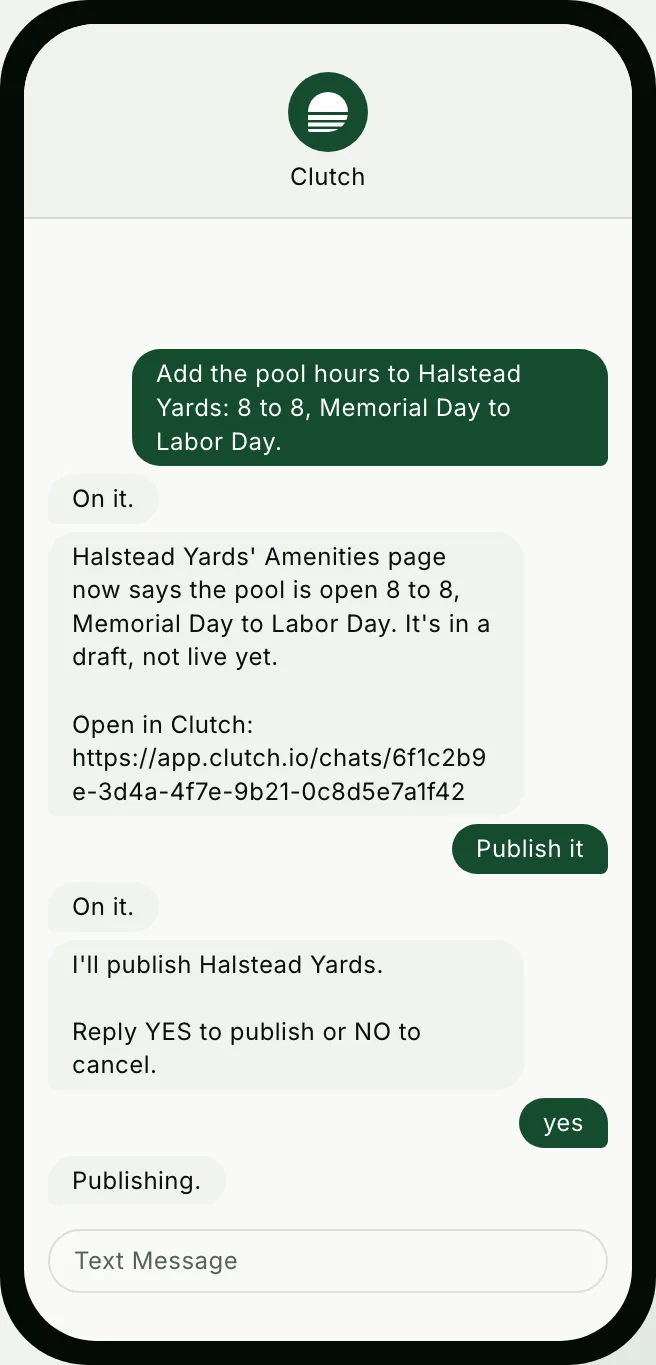
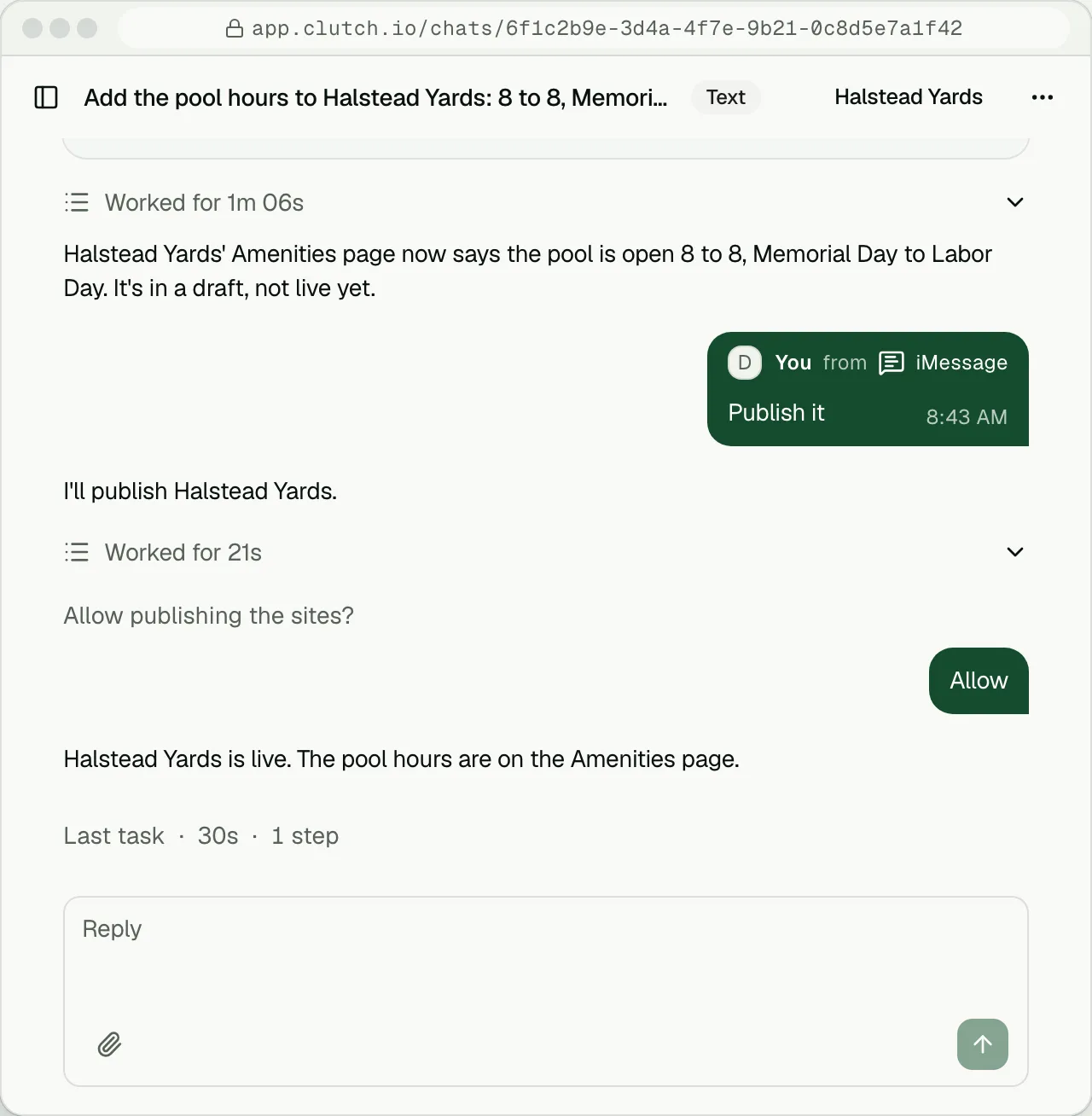
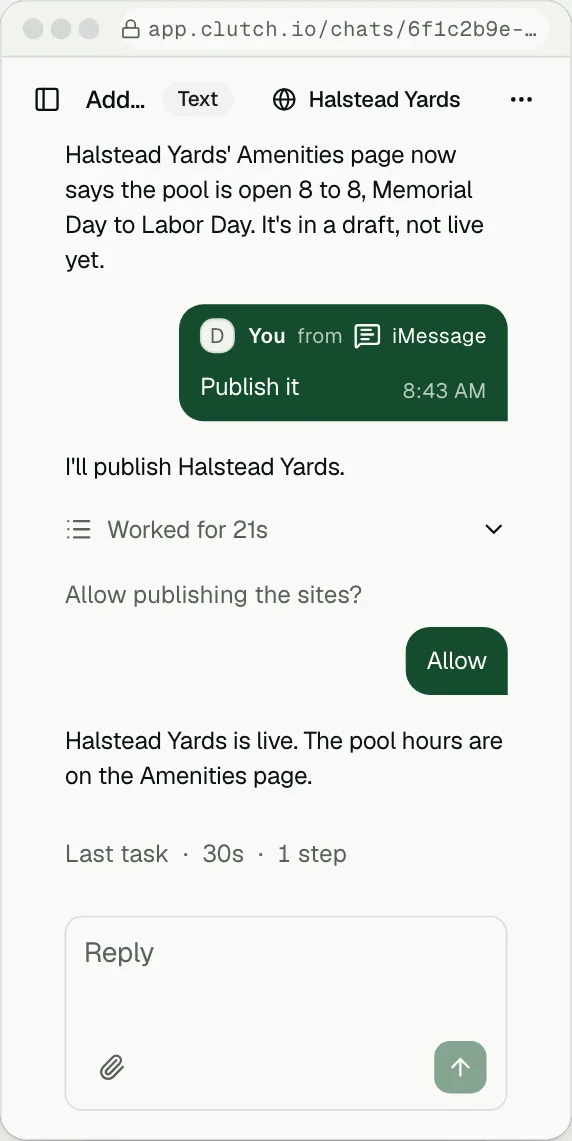
Dana texts Clutch: Add the pool hours to Halstead Yards: 8 to 8, Memorial Day to Labor Day. Clutch answers On it, then that Halstead Yards' Amenities page now says the pool is open 8 to 8, Memorial Day to Labor Day, in a draft and not live yet, with a link to the chat. She texts Publish it, Clutch asks her to reply YES to publish or NO to cancel, she replies yes and Clutch answers Publishing. Beside her phone, the same conversation in the Clutch app shows her messages from iMessage and ends with Halstead Yards live.
Ask from the apps
you already useYou do not need to open Clutch to change your site.
- The Clutch app
Chat with the agent, or drop a pin on the page. Changed by asking
- Text message
SMS or iMessage, from anywhere.
- Email
Forward the owner's note and say what to change.
- Voice
Proposed
Talk to your agent and say what you want.
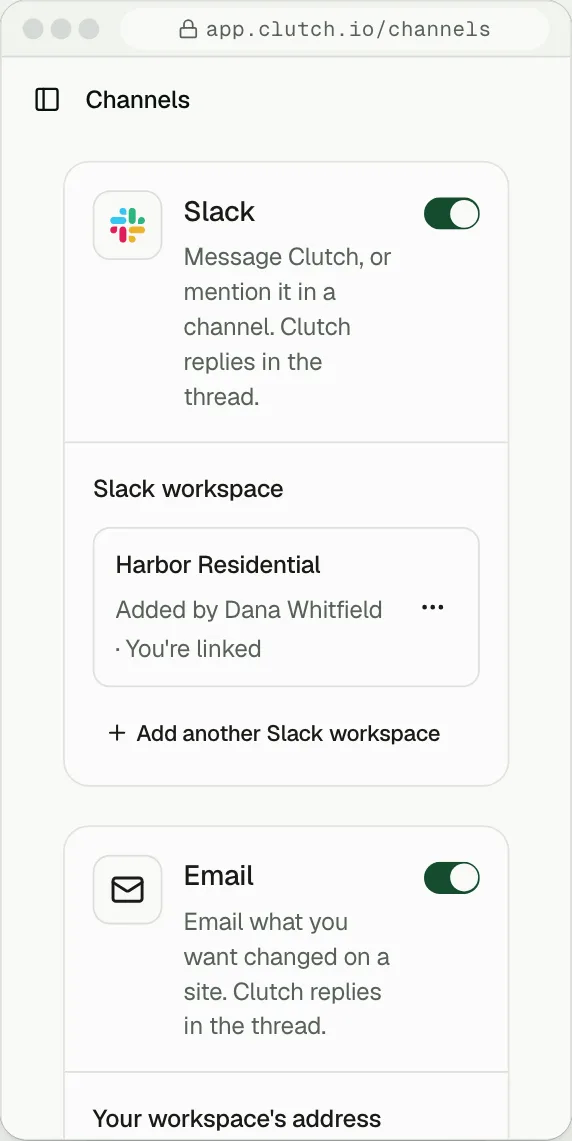
 Slack
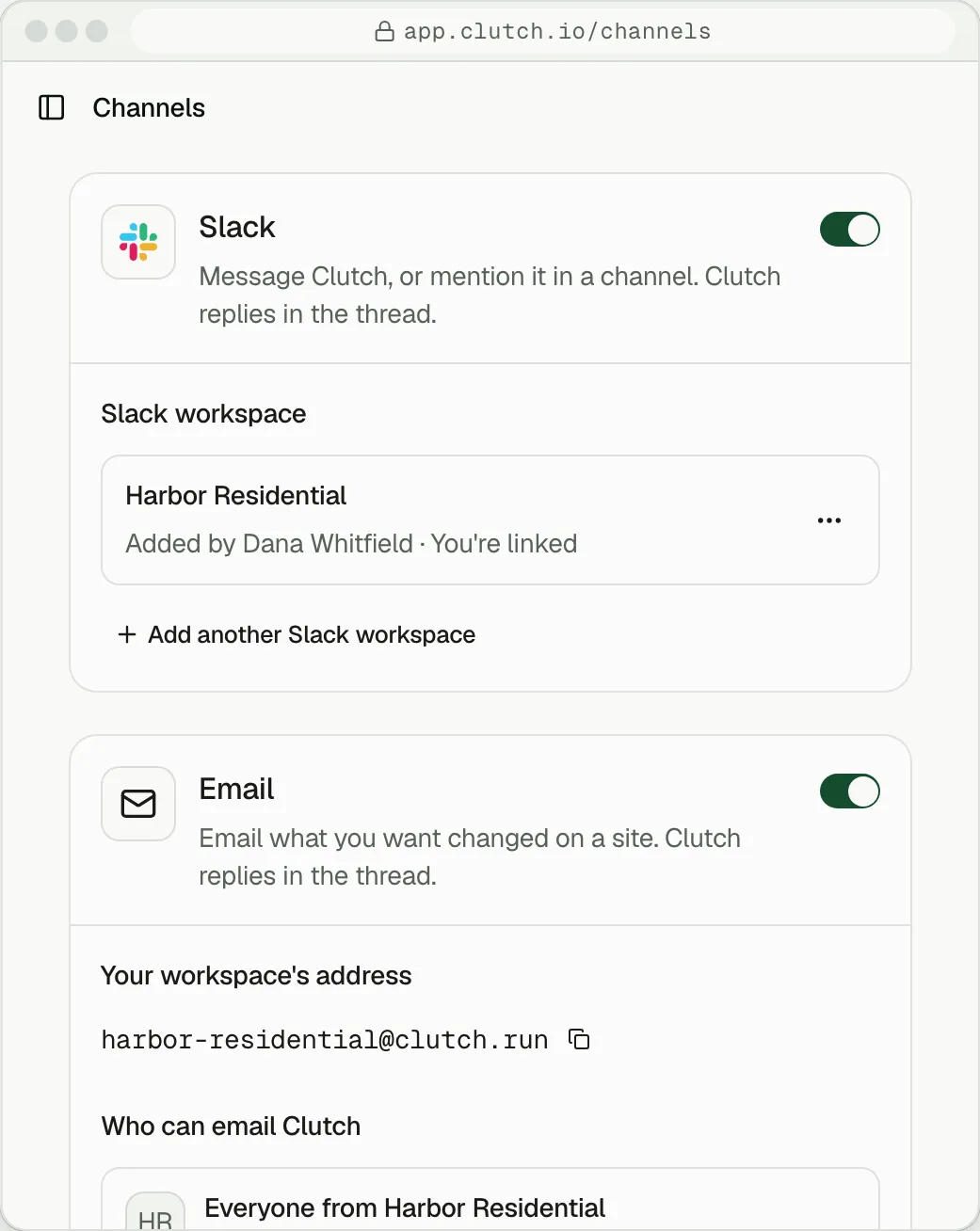
The agent sits in your workspace as a teammate. Tag it in a thread.
 Microsoft Teams
Proposed
The same, as a teammate in Teams.
- Google Chat
Proposed
Message the agent in your team's space.
- WhatsApp
Proposed
Message your site like any contact.
 Your own AI agent
Connect Clutch to ChatGPT, Claude or another agent over MCP, and ask there. Your own agent
Clutch also works in Discord, Telegram, Messenger, GitHub and Linear. Every channel is included on every plan.
Your yes
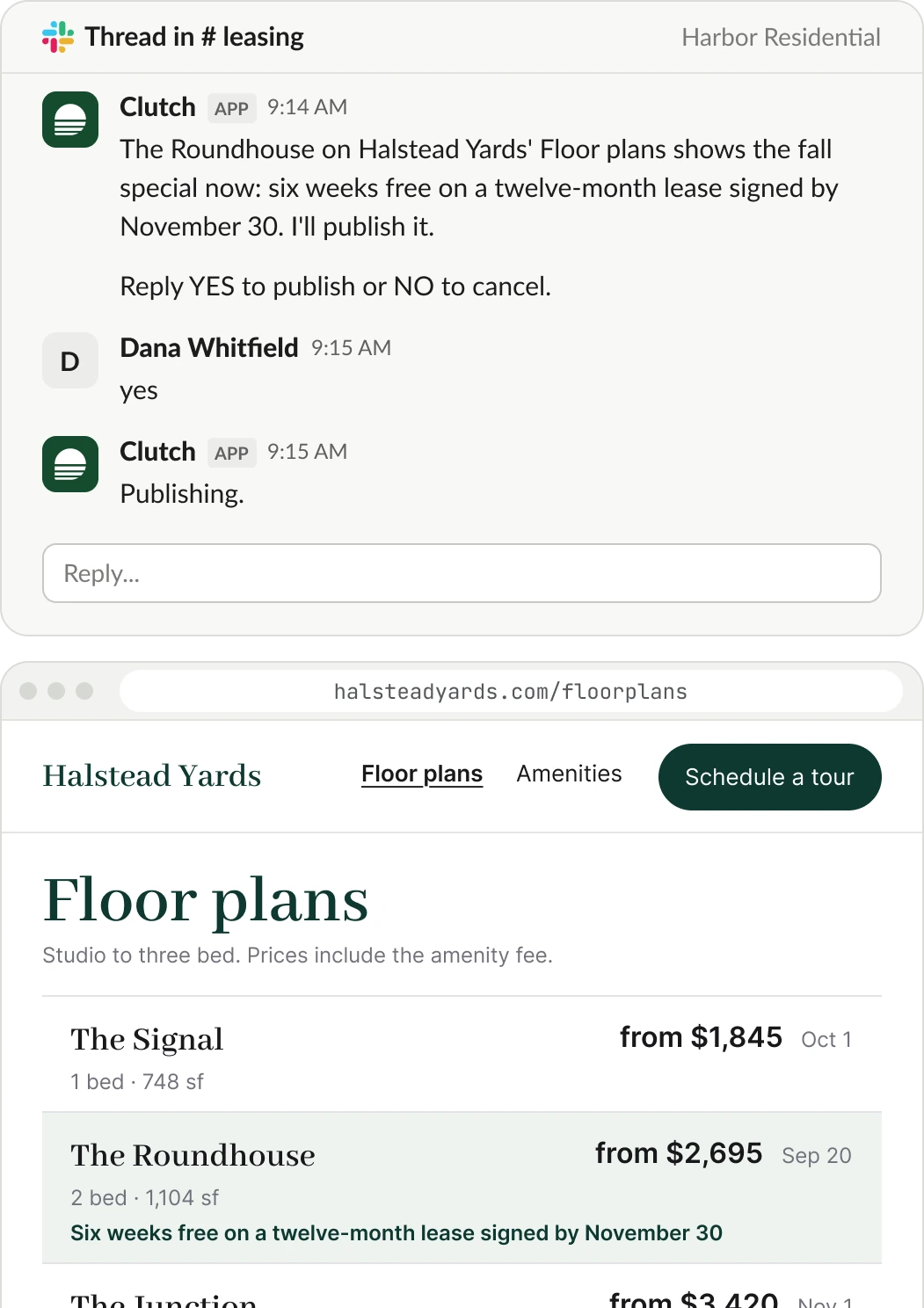
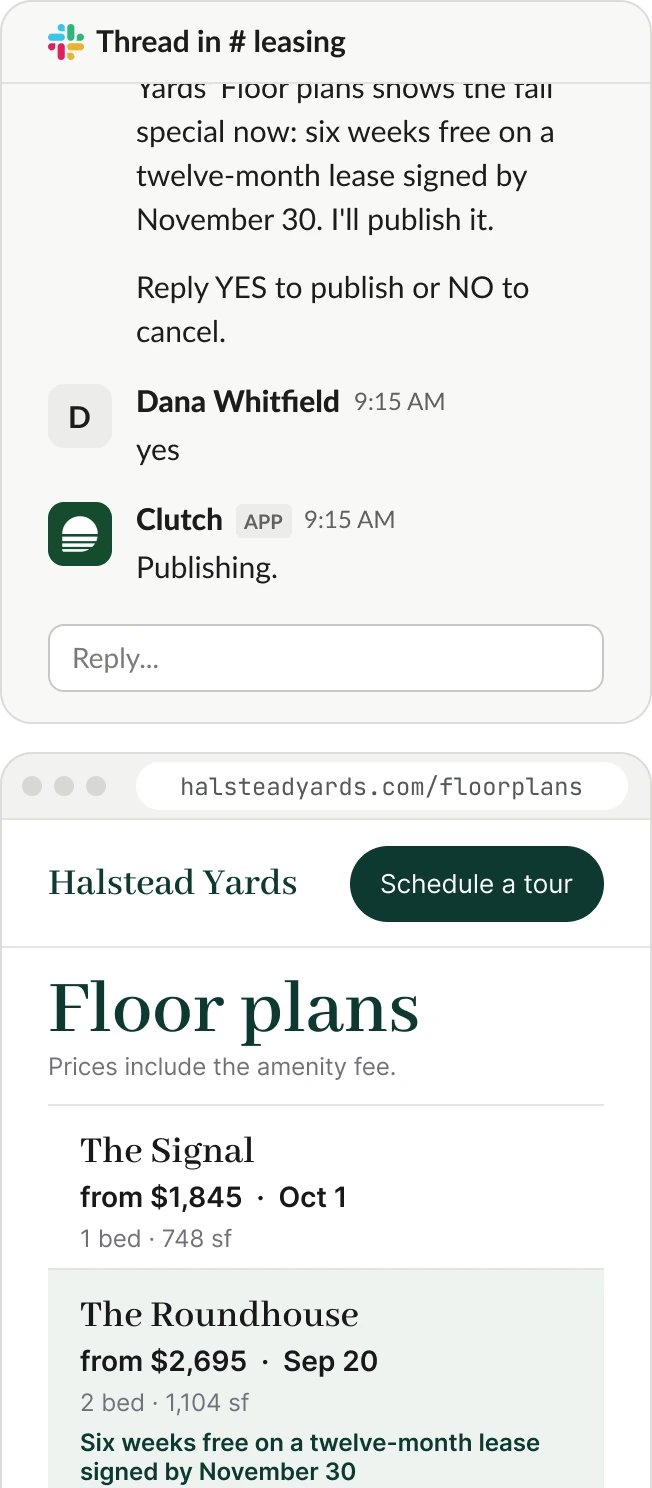
can be one wordEvery change comes back as a draft preview. Reply “yes” to the text or tap Approve in Slack, and it goes live. Don't like it? Roll it back.
In a Slack thread in Harbor Residential's # leasing channel, Clutch says The Roundhouse on Halstead Yards' Floor plans shows the fall special and asks: Reply YES to publish or NO to cancel. Dana replies yes, Clutch answers that it is publishing, and the live Floor plans page shows The Roundhouse with six weeks free on a twelve-month lease signed by November 30.
No tickets.
No waitingOne multifamily site vendor publishes two business days for a site edit. On Clutch, you see the draft while you are still in the conversation.
A ticket to a vendor
- You send the request.
- A ticket is opened.
- Emails go back and forth.
- The edit lands two business days later.
A request on Clutch
- You send the request.
- The draft comes back while you are still in the conversation.
- You say yes.
Keep talking
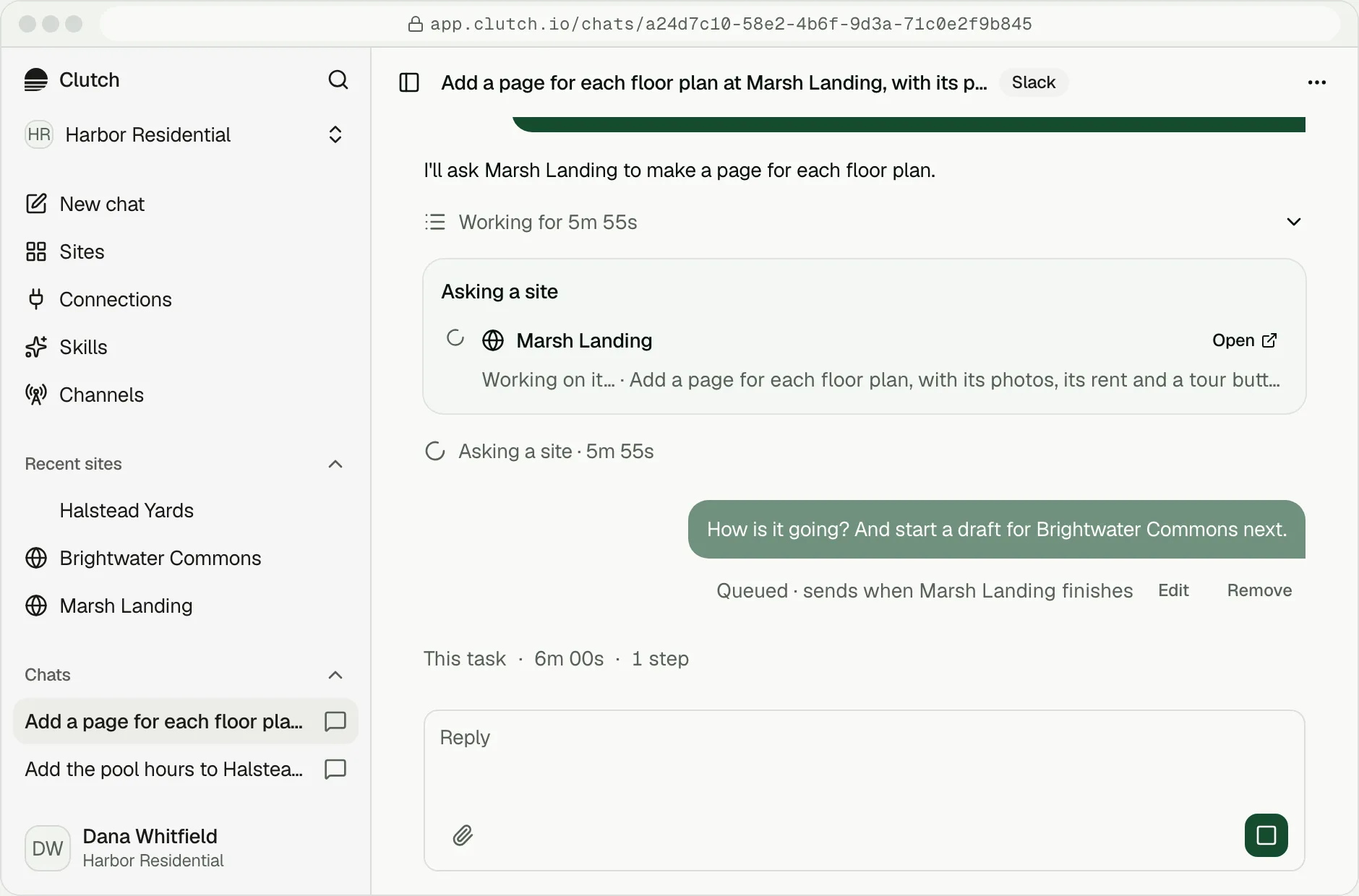
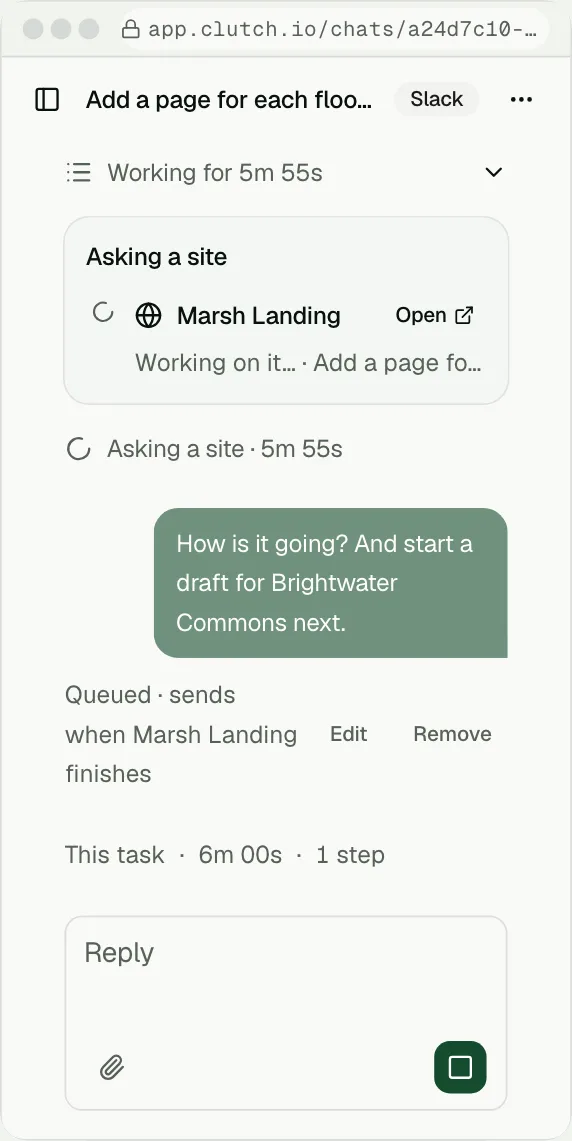
while it buildsAsk how a build is going, start a second site, or ask anything else. The agent tells you when the work is done.
The agent writes back
where you areOn Growth, routines run on a schedule and send what they find to your channel: a weekly note, a report, a change to approve.
A routine, writing to your channel
Proposed
- Every Monday at 8, in Slack: last week's visits, tours and leads for every site.
- On the first of the month, by text: the report, and any change that waits for your yes.
Build and run your site
from the AI agent you already useAdd Clutch to ChatGPT, Claude or any agent that supports MCP. Ask for a site, and your agent builds one on Clutch: hosted, fast, and ready for your team to edit.
What your agent can do with Clutch
- Draft a site. Give it your current address or describe your business. It returns a draft link you can claim.
- Grade any site. Ask “is my site ready for AI?” and get the letter, four scores and the fixes.
- Send an AI agent. Grade your site to see whether an AI agent finds you, reads you and can act.
- Change the site. Ask for an edit in plain words. It comes back as a draft for you to approve.
- Publish. When you approve, the site goes live. Clutch won't publish a site below an A.
Build a site for The Lofts on Main from lofts-main.com.
- MCPClutch · The Lofts on Main
- MCPMade The Lofts on Main in your workspace
- MCPRead how Clutch builds a site
- MCPWrote the pages, the floor plans and the design
- MCPChecked the draft for problems
- MCPGraded the draft: A
- MCPGot the draft's link
Your draft of The Lofts on Main is ready: https://the-lofts-on-main--3b9e1f07c2a84d56e0f1.clutch.run/. It grades A. Nothing is live yet. Open the link to look it over, and publish it in Clutch when it reads right.
How to add it,
in about a minuteChatGPT: find Clutch in ChatGPT's apps and add it. Sign in with Google. Ask ChatGPT to build or grade your site.
Claude: find Clutch in Claude's connector directory and add it. Sign in with Google. Ask Claude: “Build a site for my business from [your address].”
Any other MCP client: add a server with the address https://mcp.clutch.io. Sign in when your client asks. Ask your agent to build or grade your site.
Use Clutch from your AI agent
Add Clutch to the assistant you already use, then ask it to build, change and publish your sites from there.

Connect Clutch to ChatGPT
ChatGPT on the web and desktop
- 1Open ChatGPT's apps, find Clutch and add it.
- 2Sign in with Google when ChatGPT asks, and allow access.
- 3Ask ChatGPT to build or grade your site.
What your agent builds:
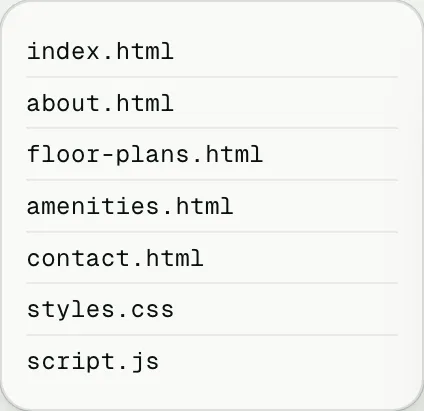
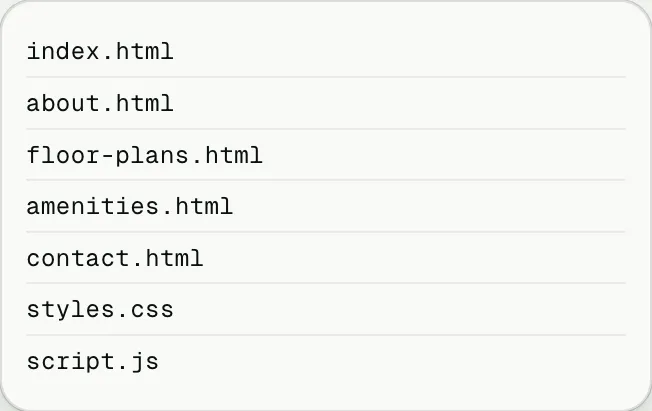
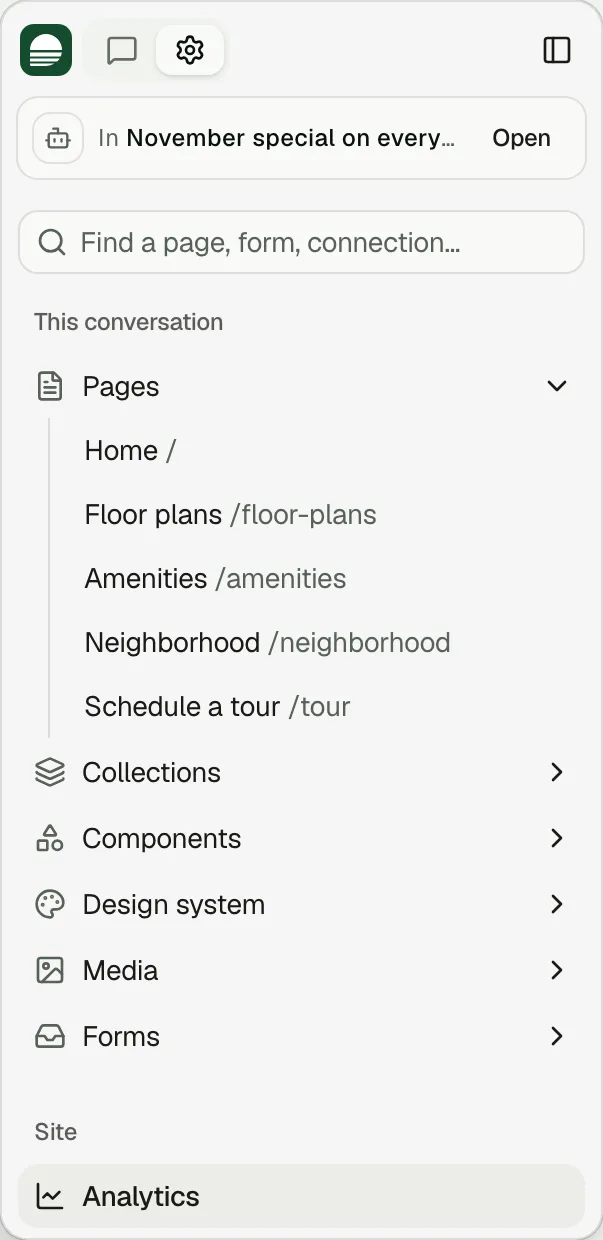
a complete agentic siteWith hosting, a CMS for your industry, a media library, MCP and WebMCP, the concierge, forms that go to your CRM and analytics with no cookie banner.
You can invite your whole marketing team on day one.
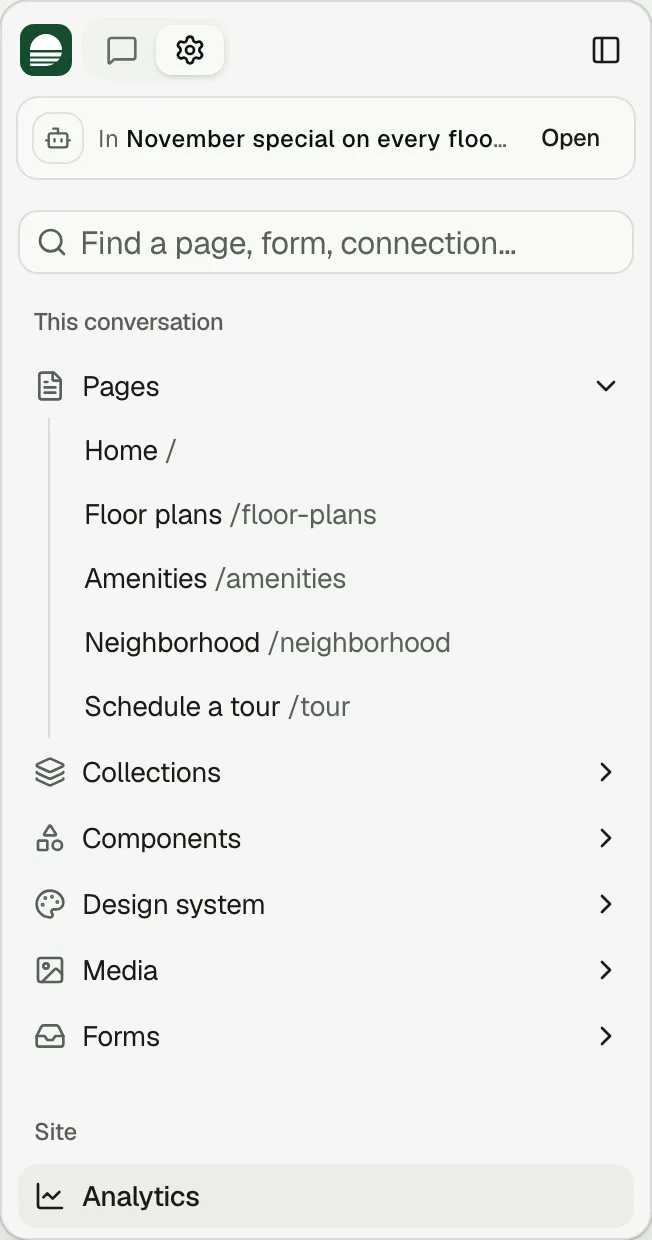
Claim the site
your agent draftedEvery draft comes with a link. Open it and the site is yours, in your Clutch account.
Look it over and drop a pin on anything you want changed. Anything your old site did not state, such as a rent or a phone number, stays marked until you confirm it. Go live on your own domain when you are ready.
Work where it feels native.
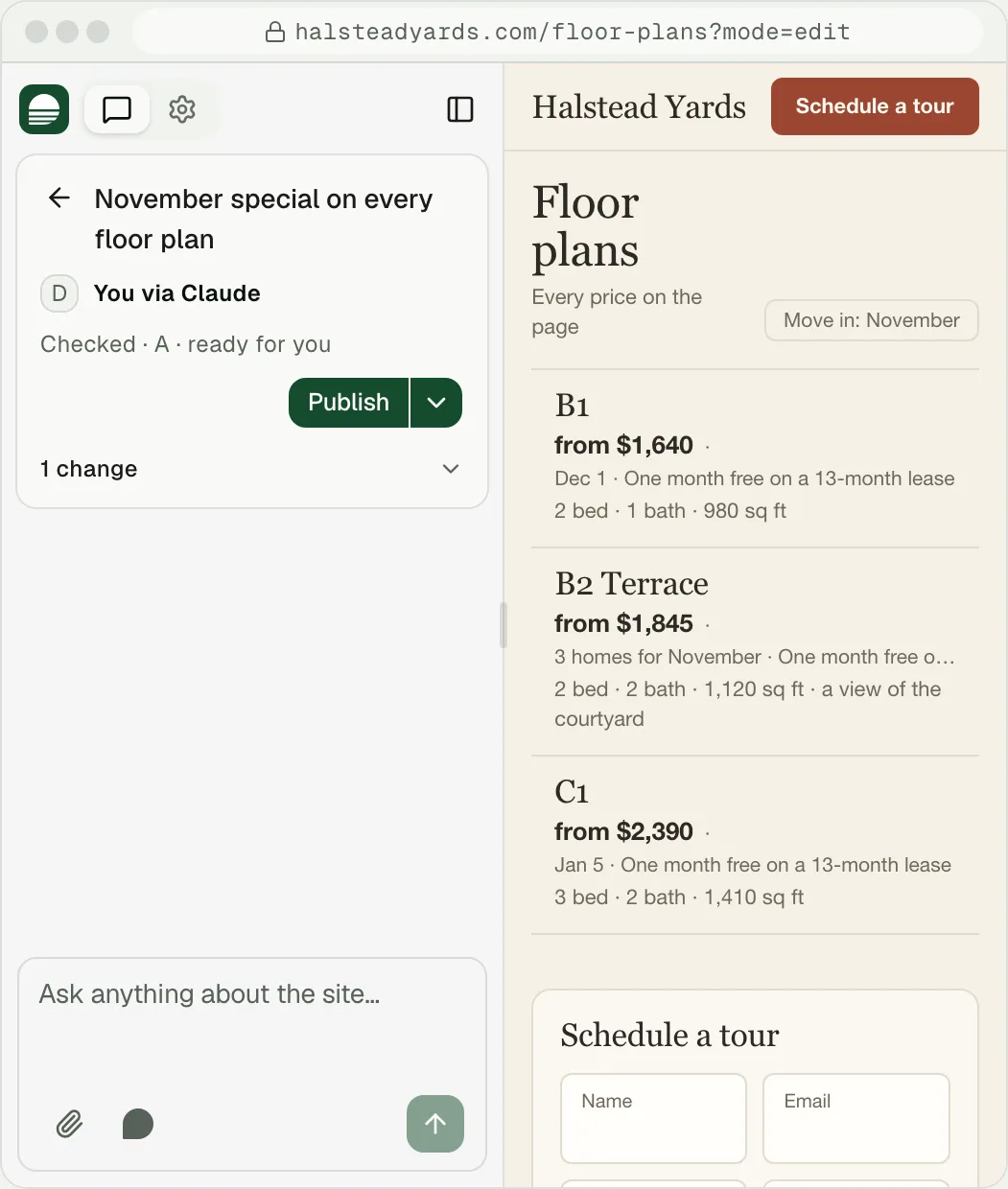
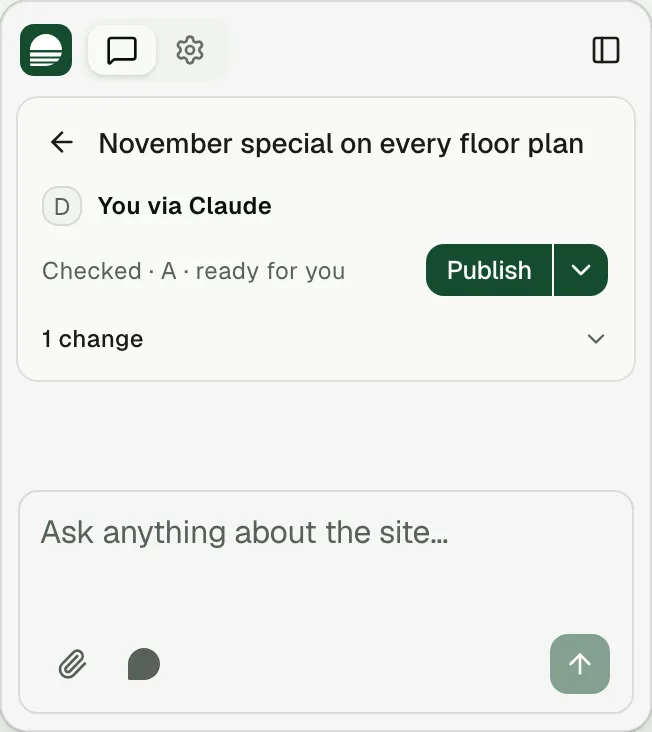
- Where your agent supports MCP Apps, as in ChatGPT and Claude, parts of the Clutch editor open right in the chat.
- Where it does not, your agent gives you a link to the Clutch editor.
Tell it once
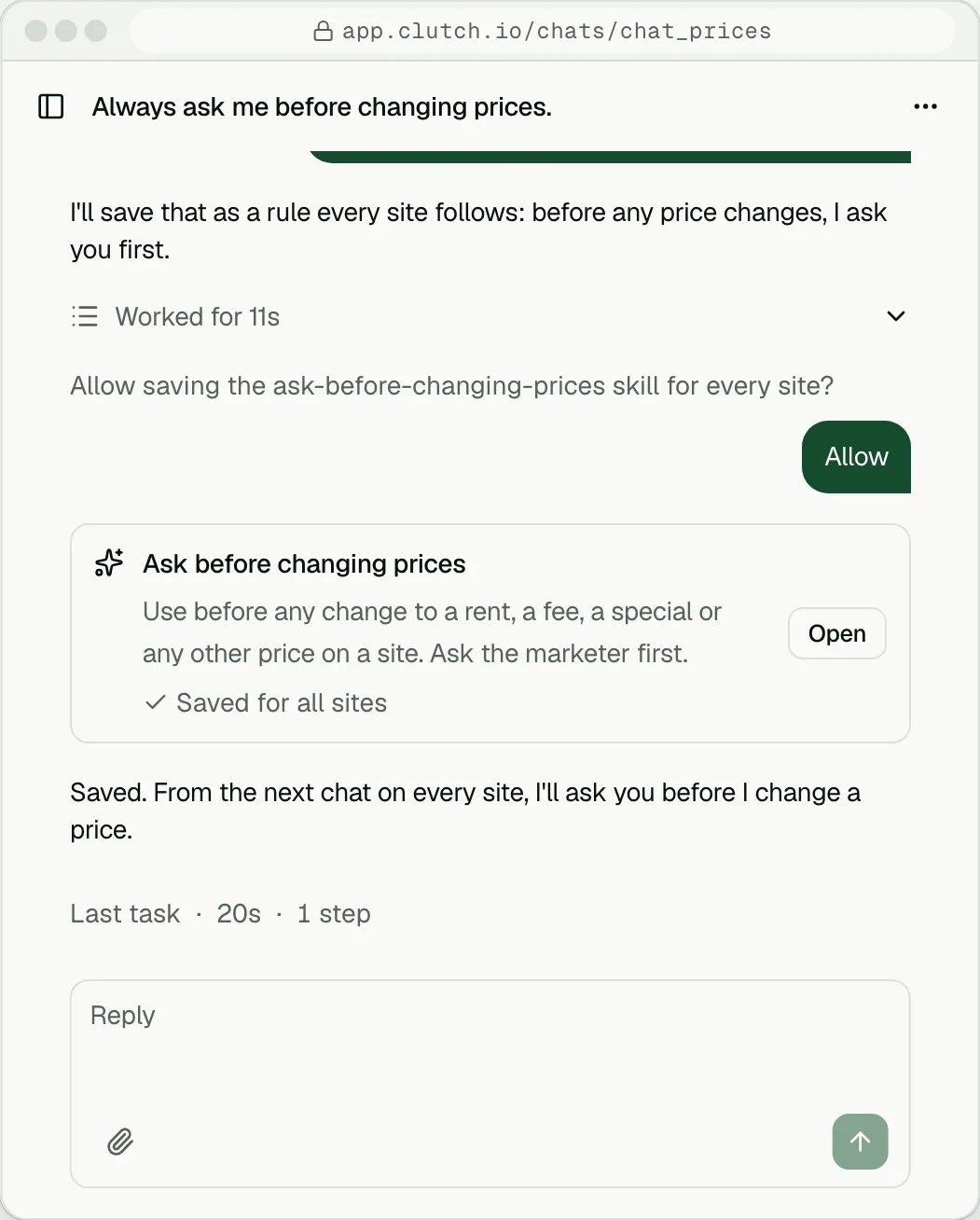
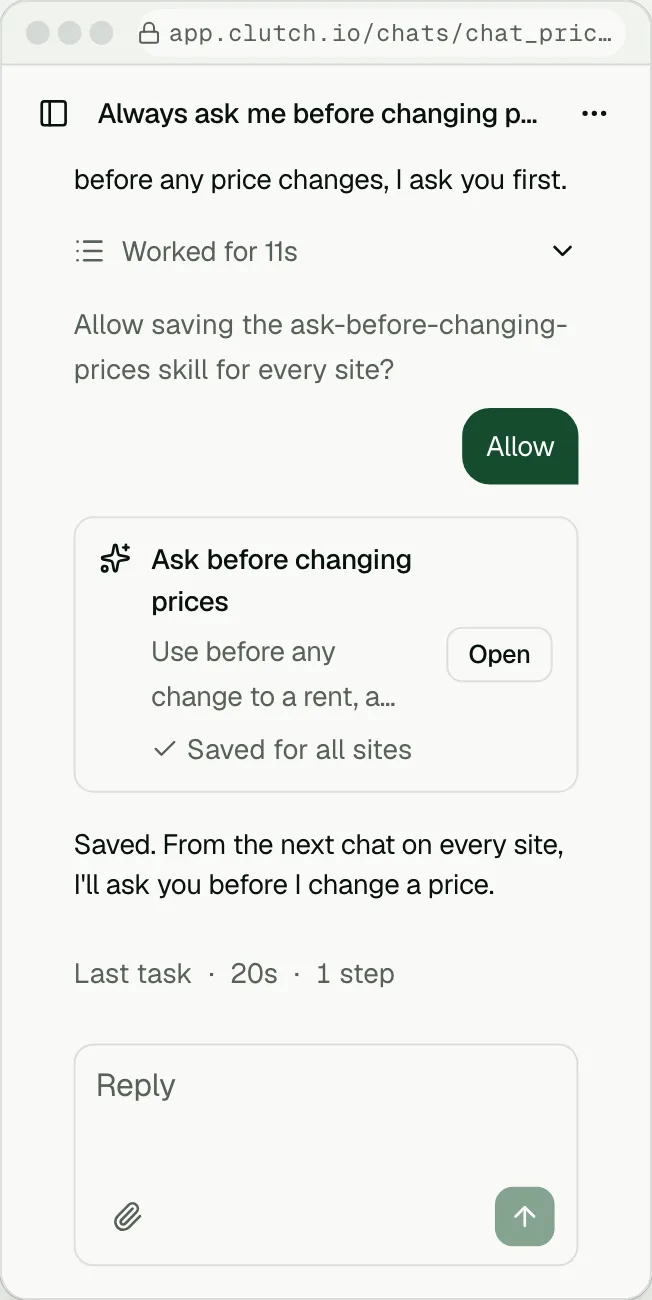
how you like to workSay “always ask me before changing prices,” and Clutch saves it as a rule it follows from then on.
Questions
Do I need a Clutch account first?
No. Sign in with Google from your agent or a channel and the account is made then.
Can my team edit without using my agent?
Yes. Invite them in Clutch. They can edit by asking, by dropping pins on the live site, or from Slack, Teams, text or email.
Does the agent publish without asking me?
No. Every change comes back as a draft preview. You approve it, and it goes live.
Which agents work?
ChatGPT and Claude through their directories, and any agent that supports MCP through https://mcp.clutch.io.
Is a site my agent builds the same as one built here?
Yes. It is a Clutch site, with everything a Clutch site has.
What does it cost?
Three preview sites are free. Going live on your own domain starts at $39 a site a month, billed annually. Every channel is on every plan.
Build a draft, then text it your first change
Three preview sites free. Every channel is included on every plan.